Brand, channels and team
Set up a brand, connect its channels, plan your posting week and invite the people you work with.
| You want to | Go here |
|---|---|
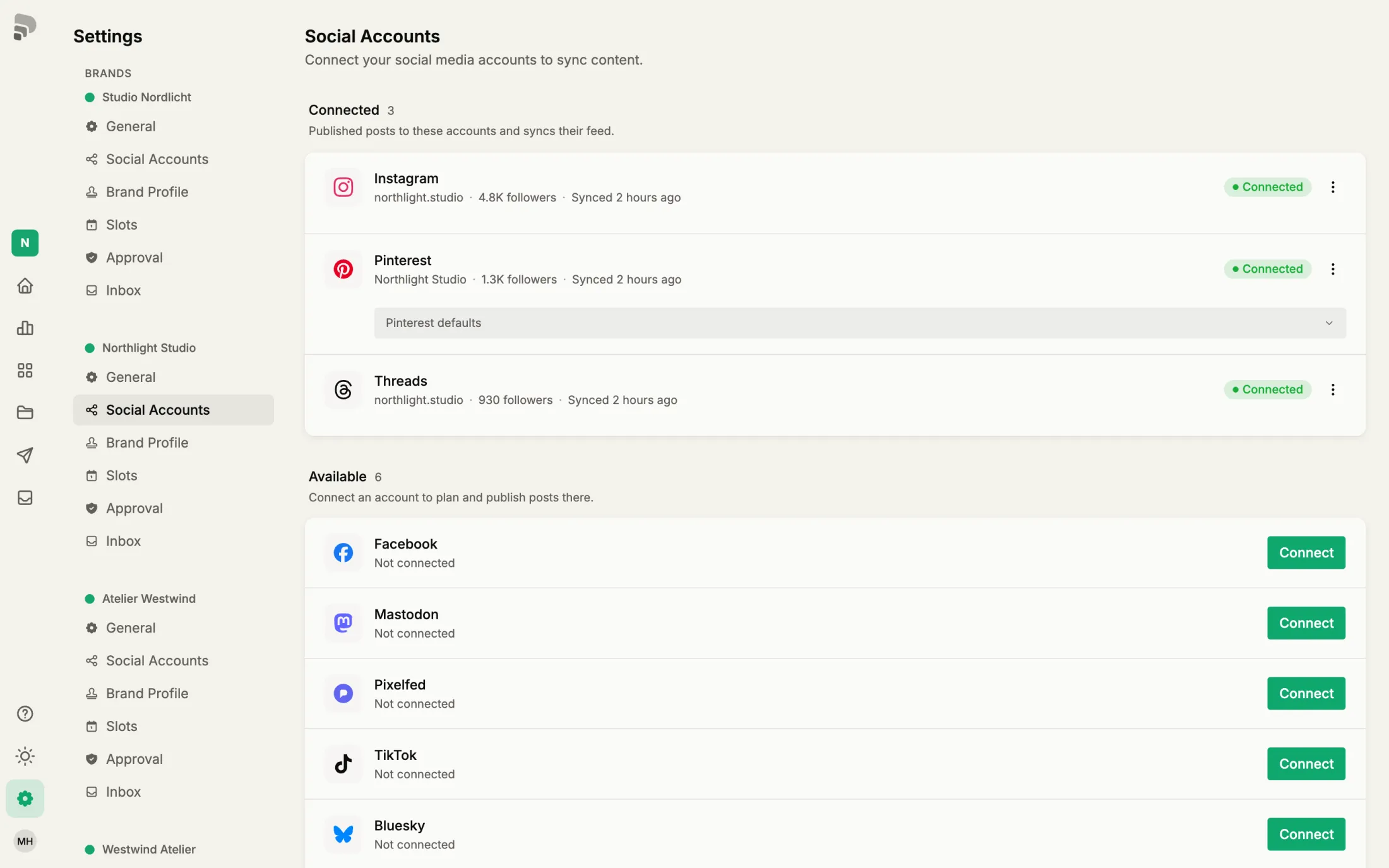
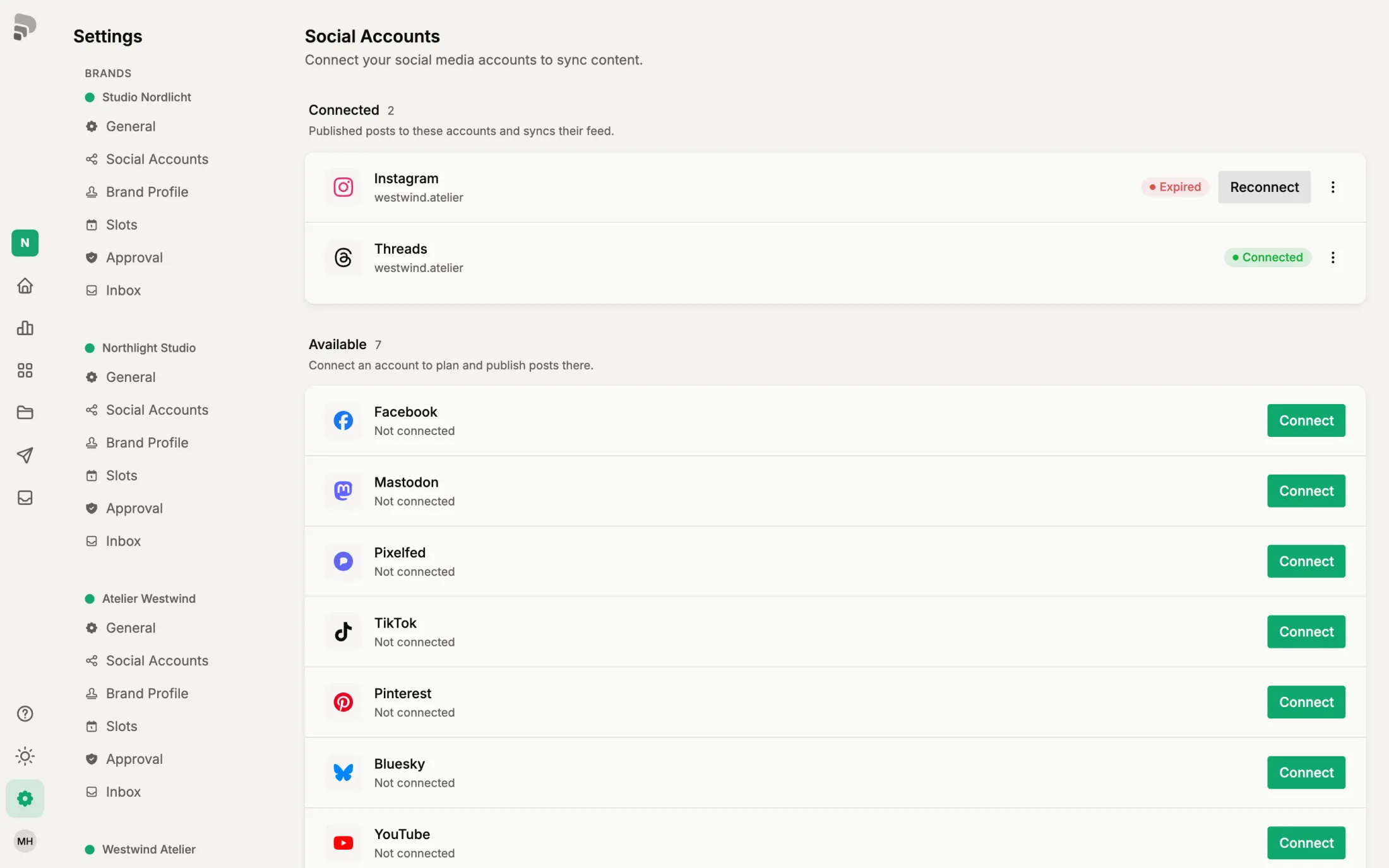
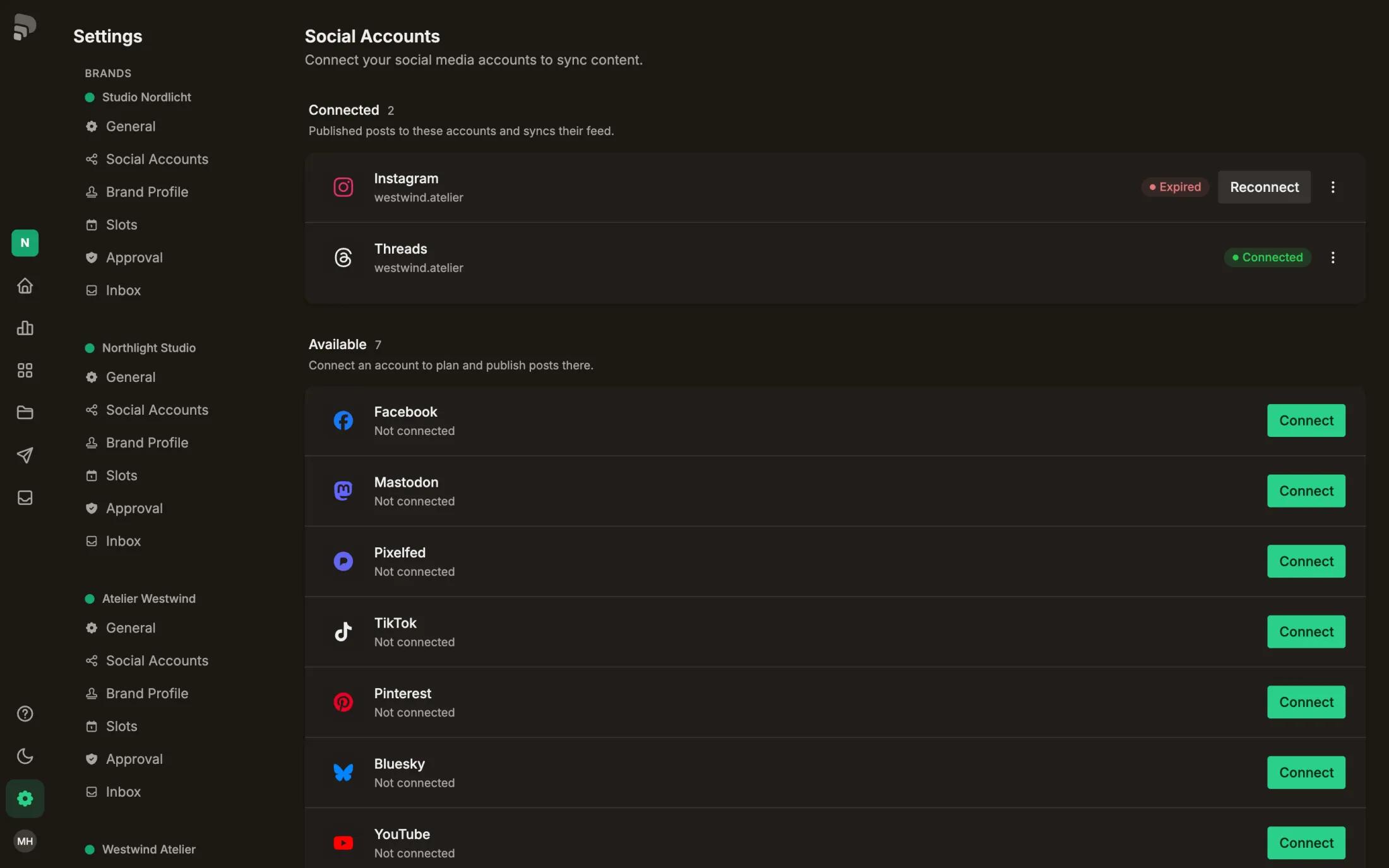
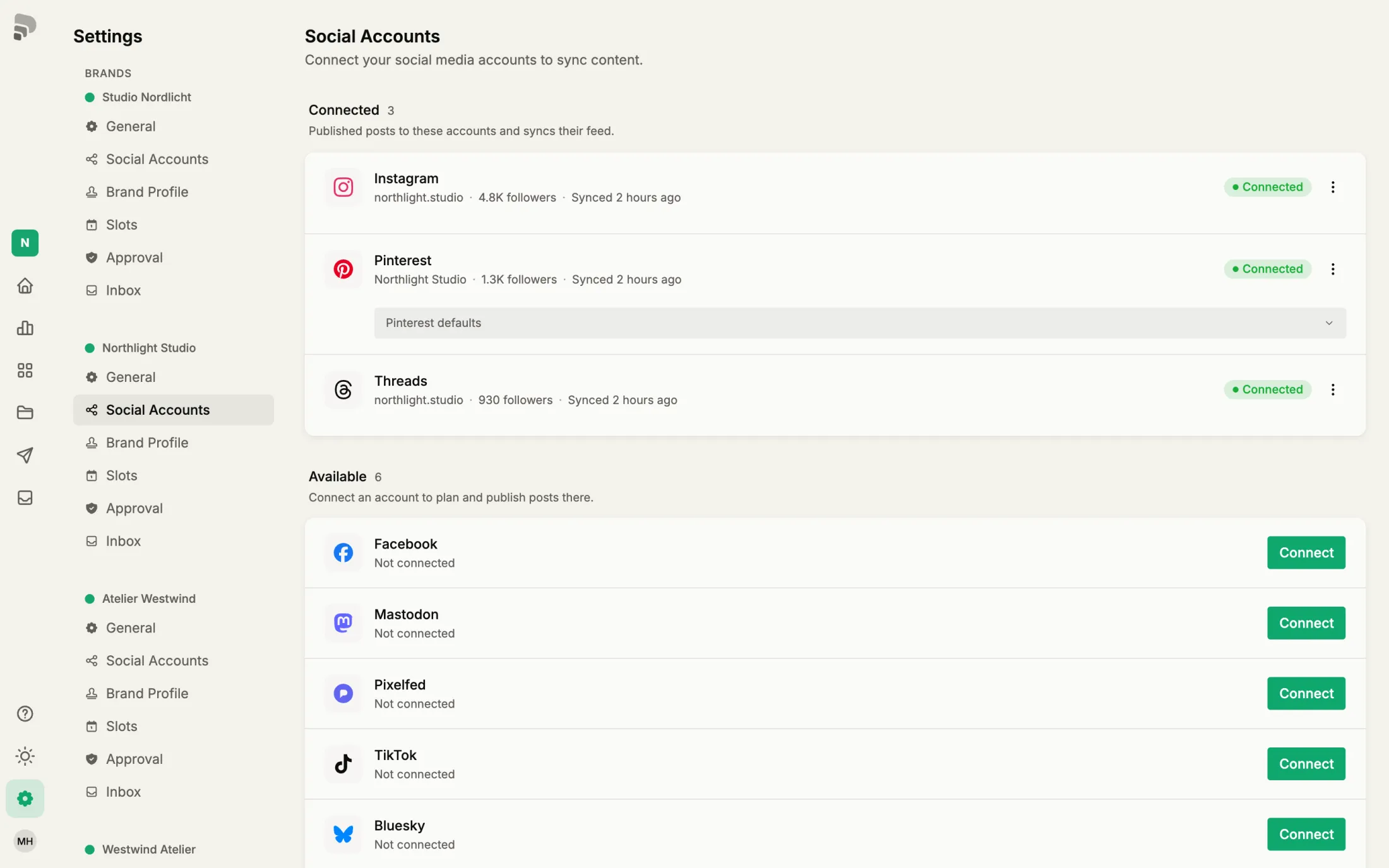
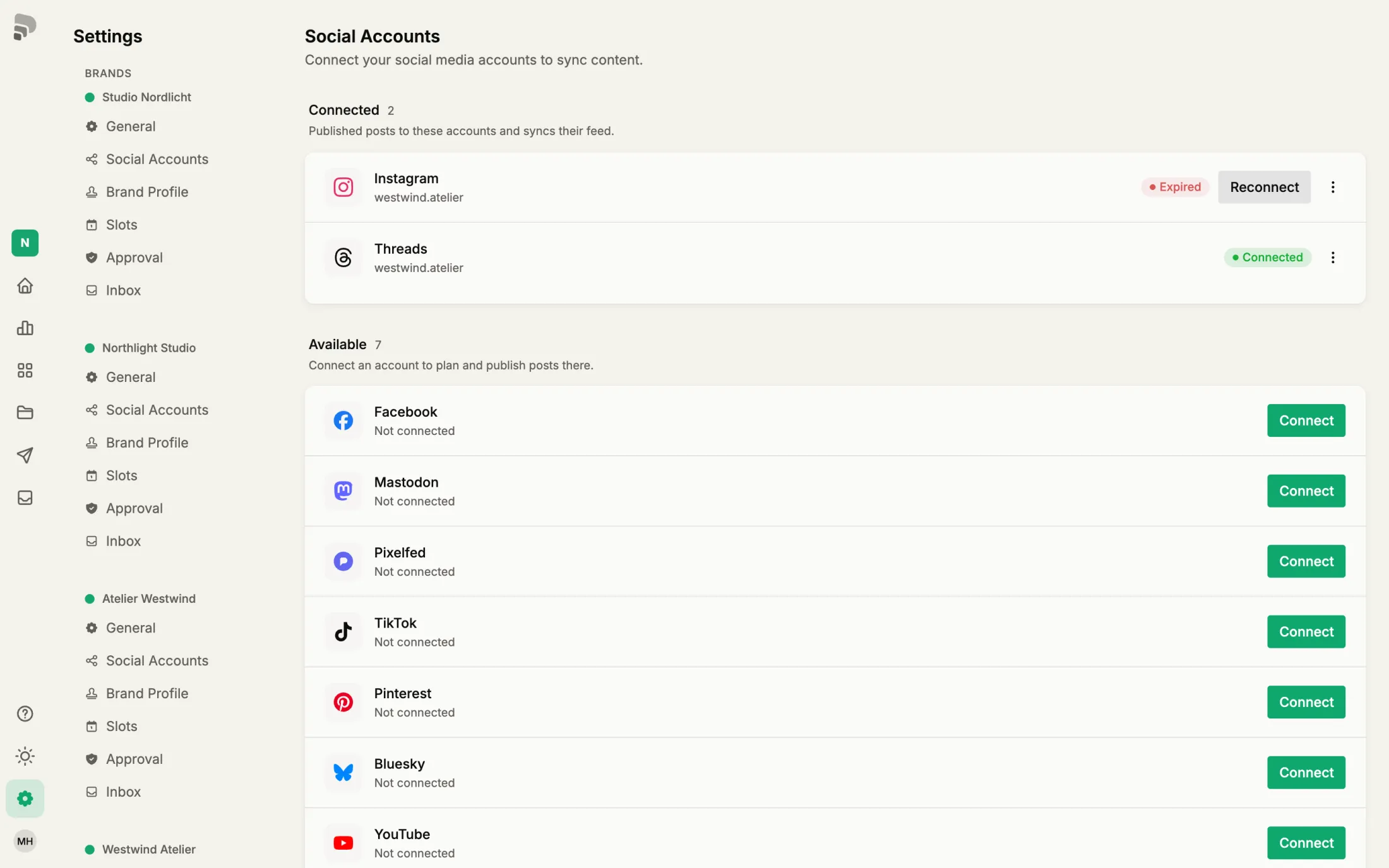
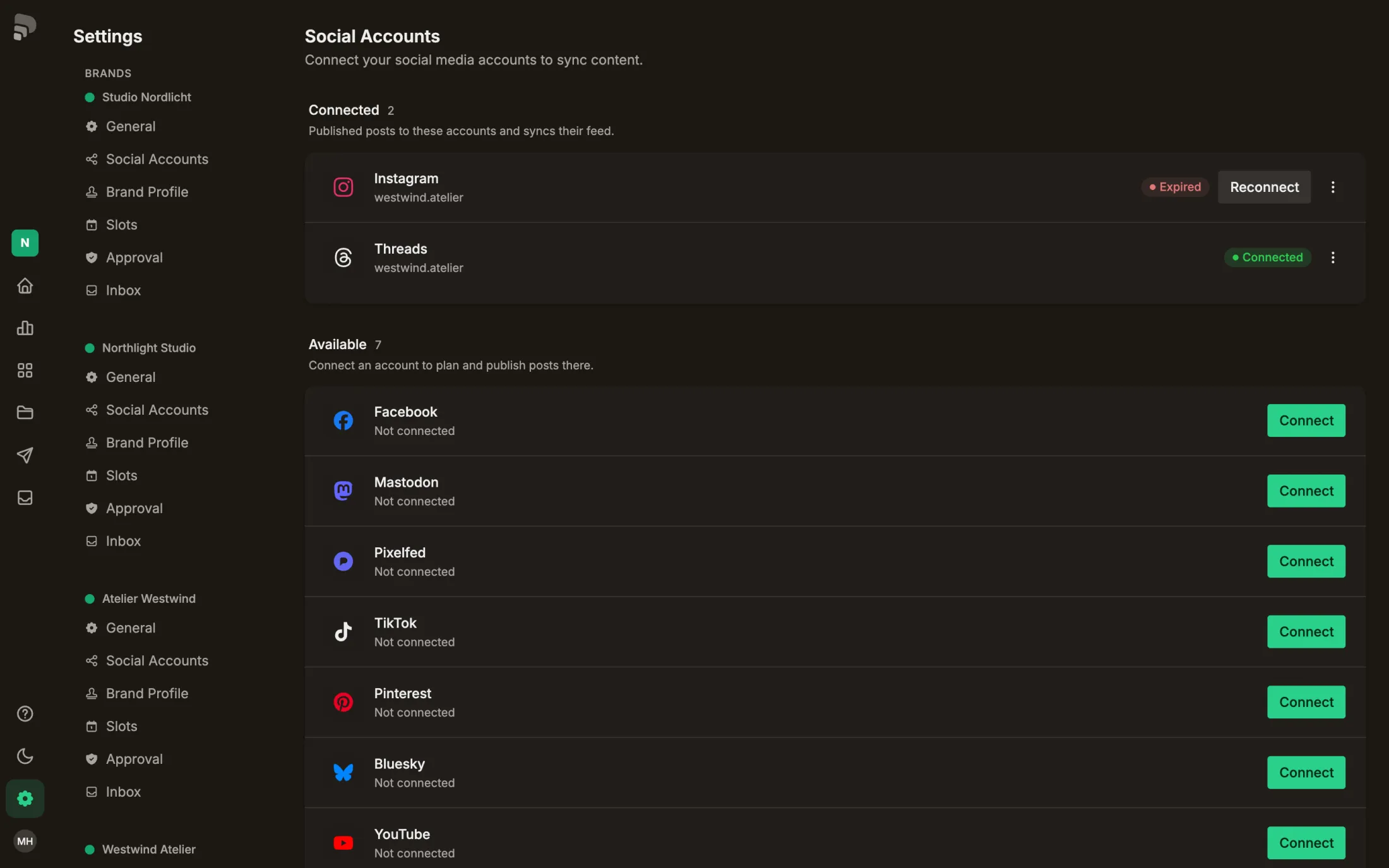
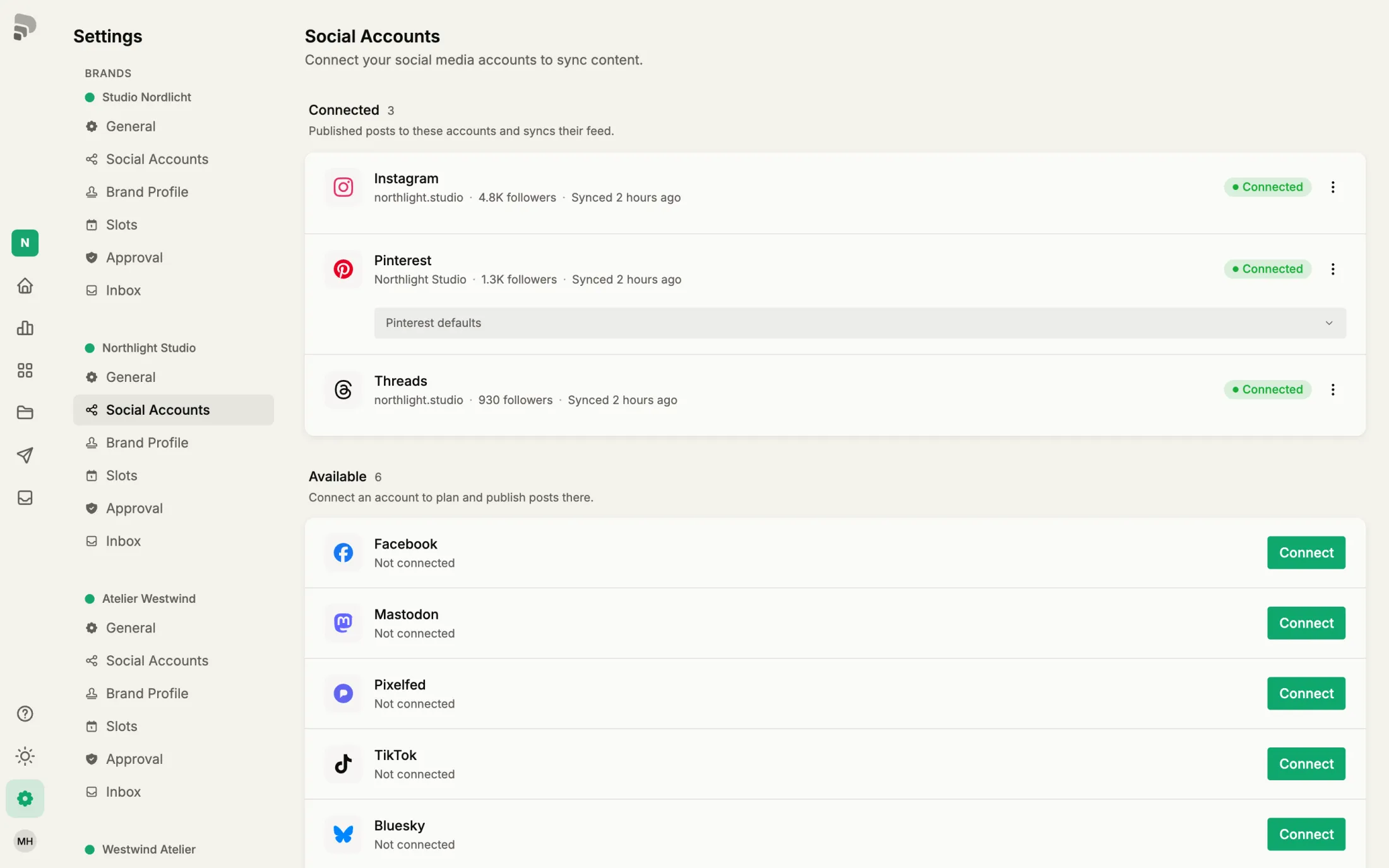
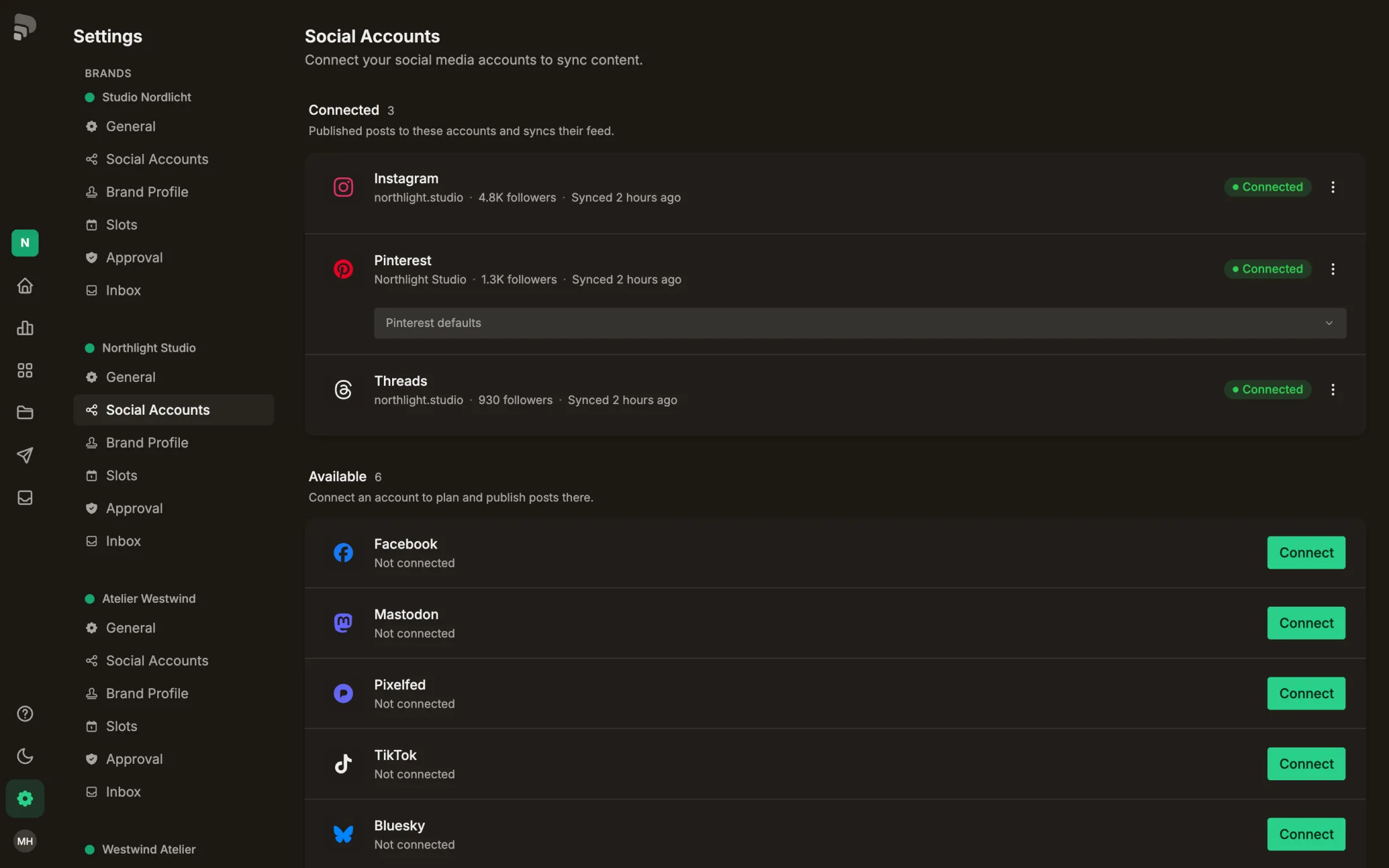
| Connect a channel | Connect a channel |
| Reconnect an account | Renew an expired connection |
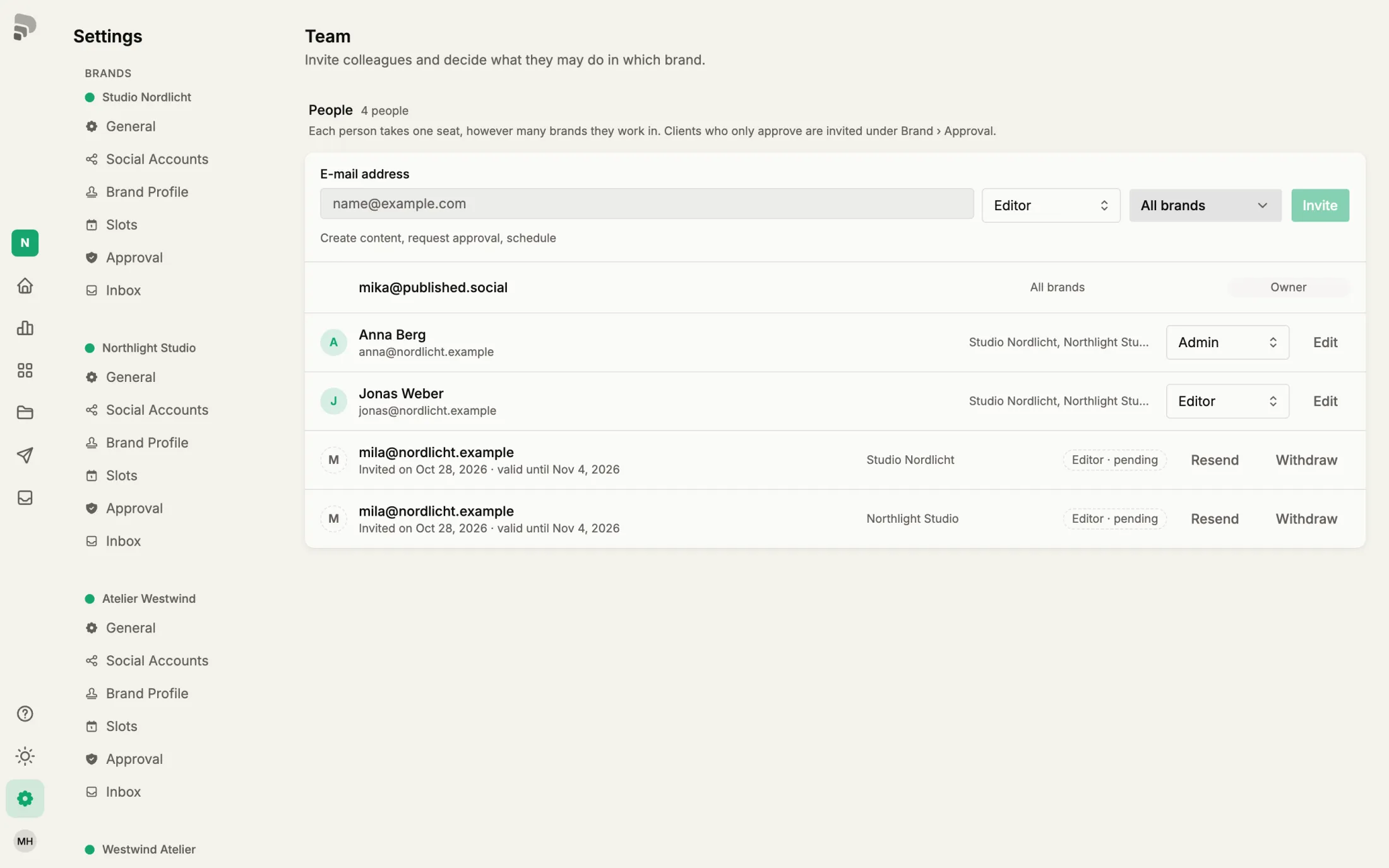
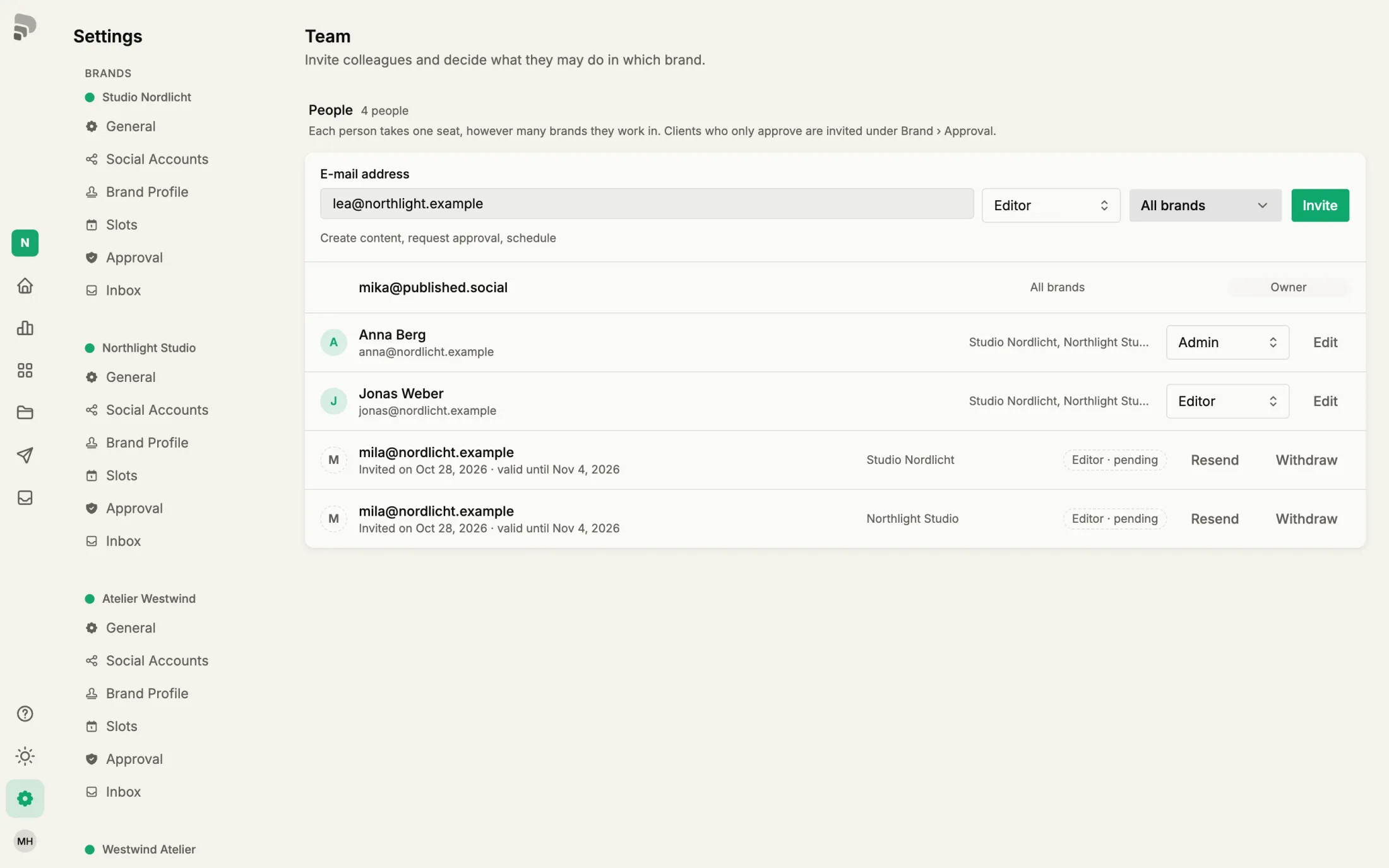
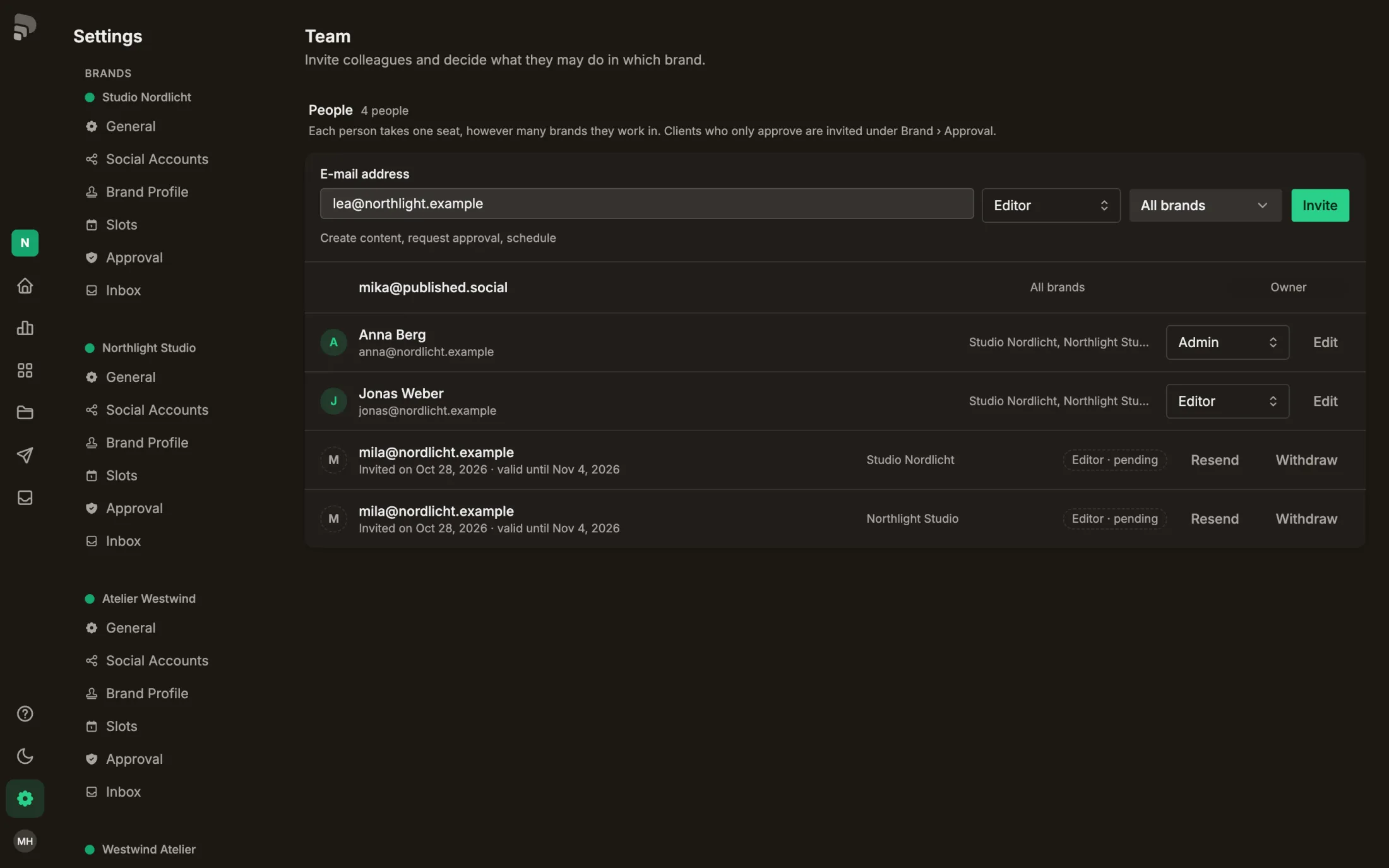
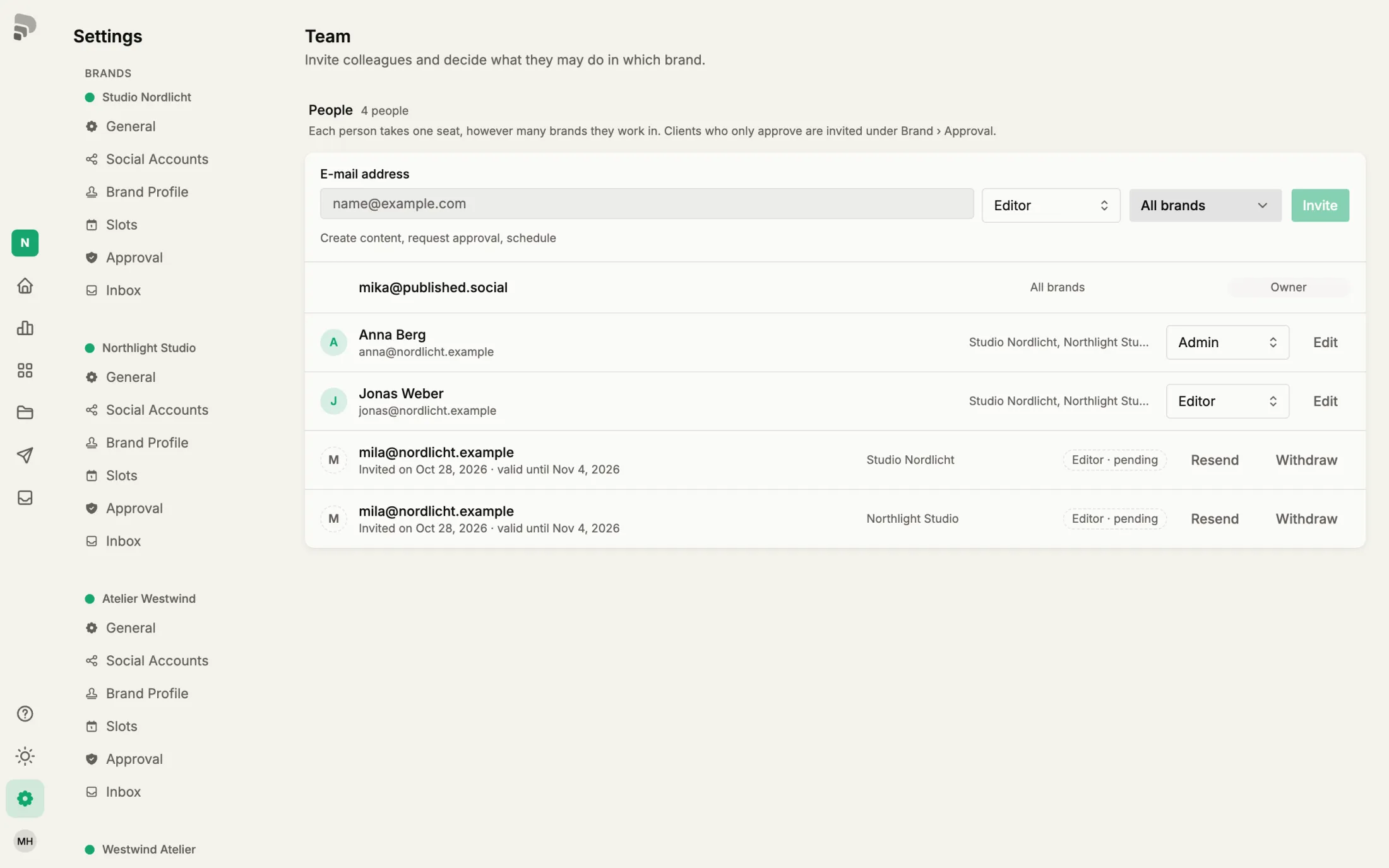
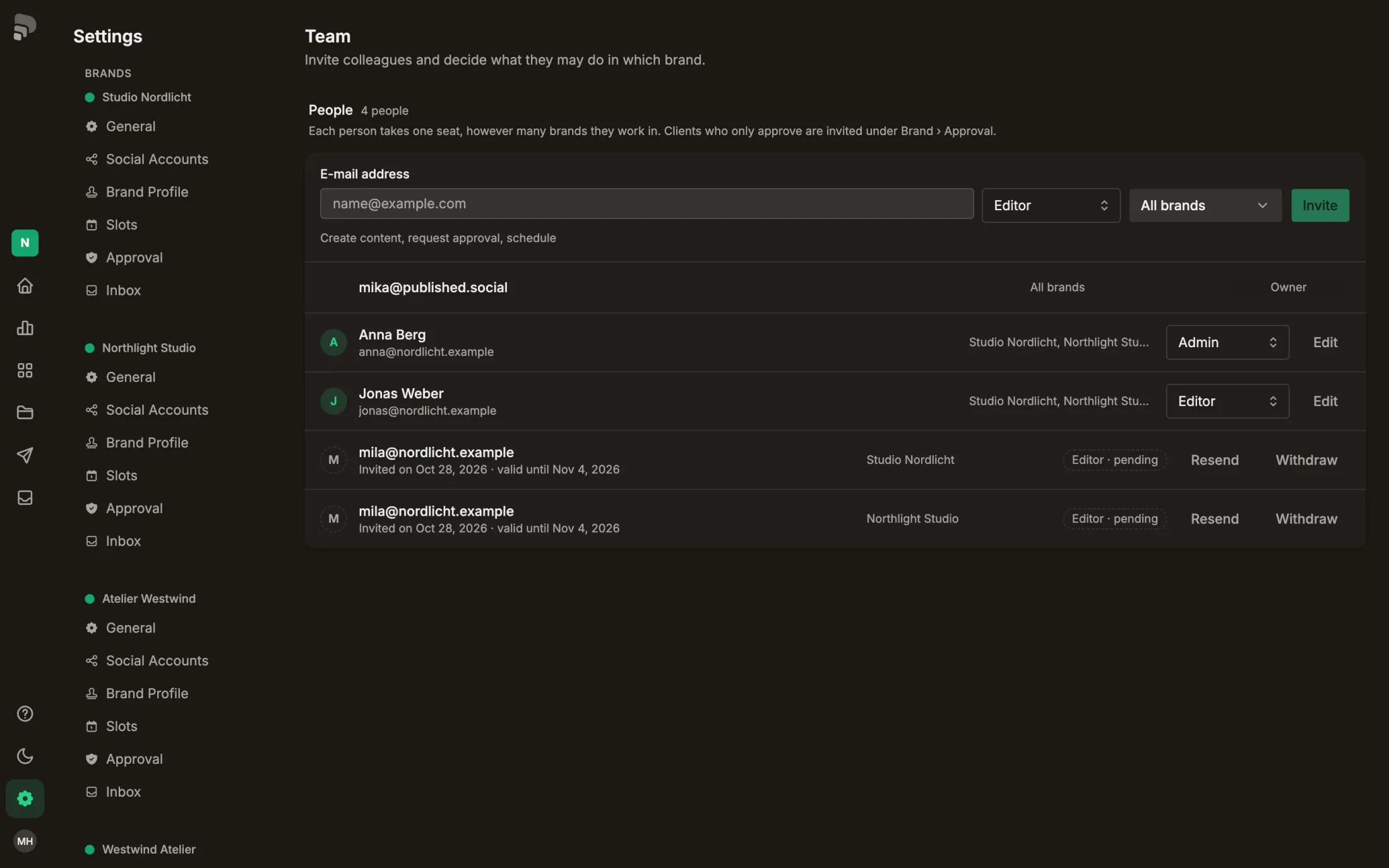
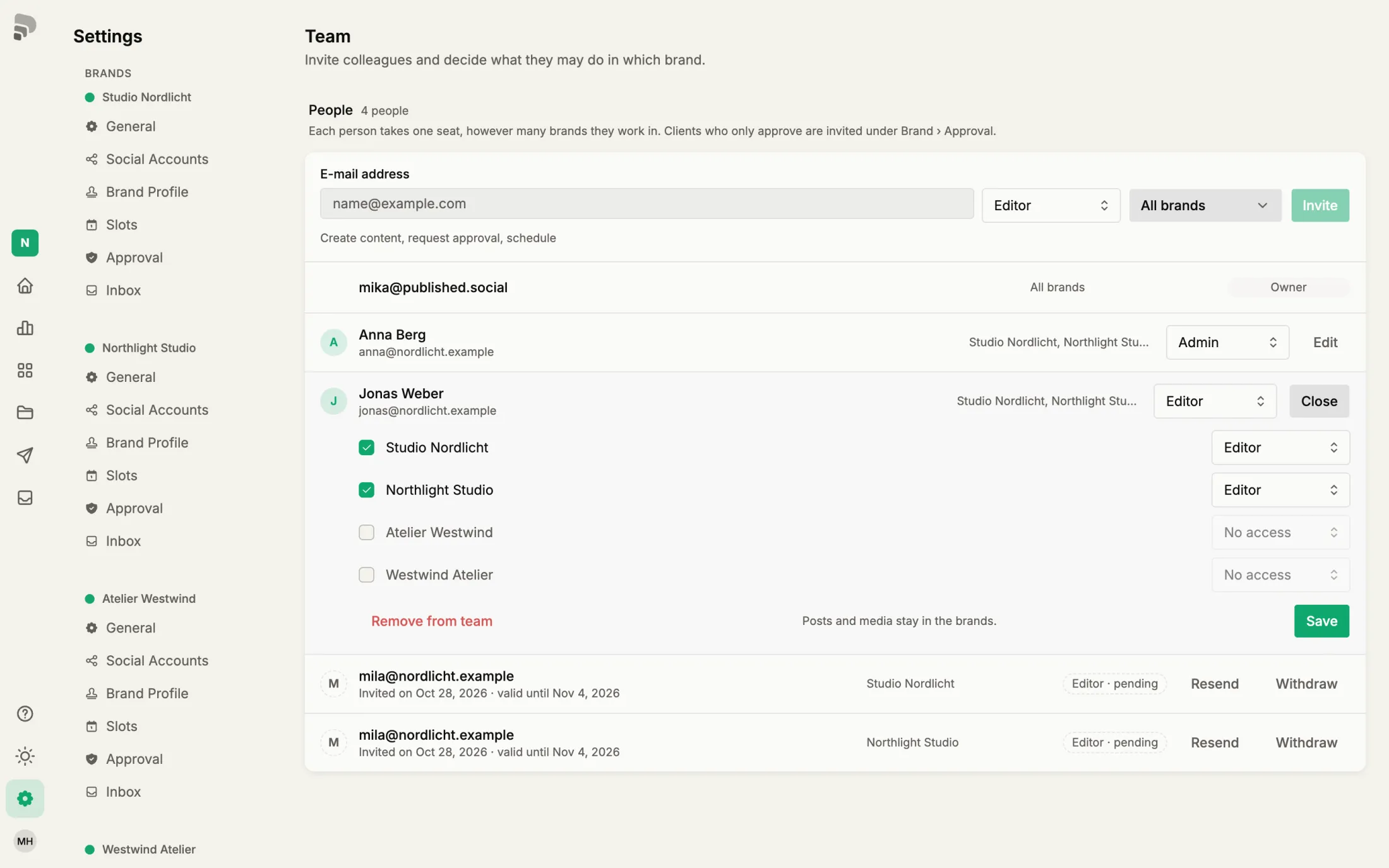
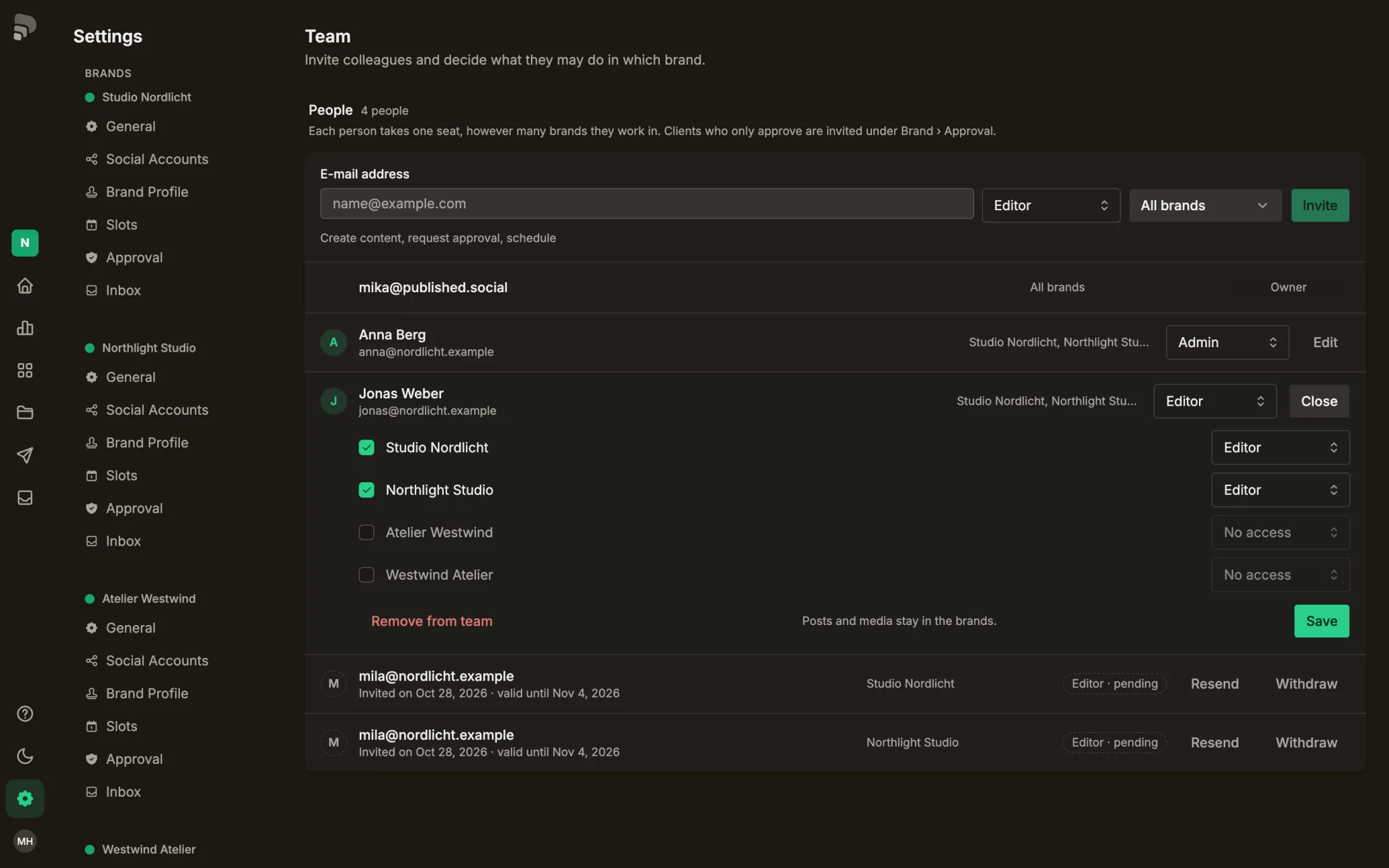
| Bring someone onto the team | Invite someone to your team |
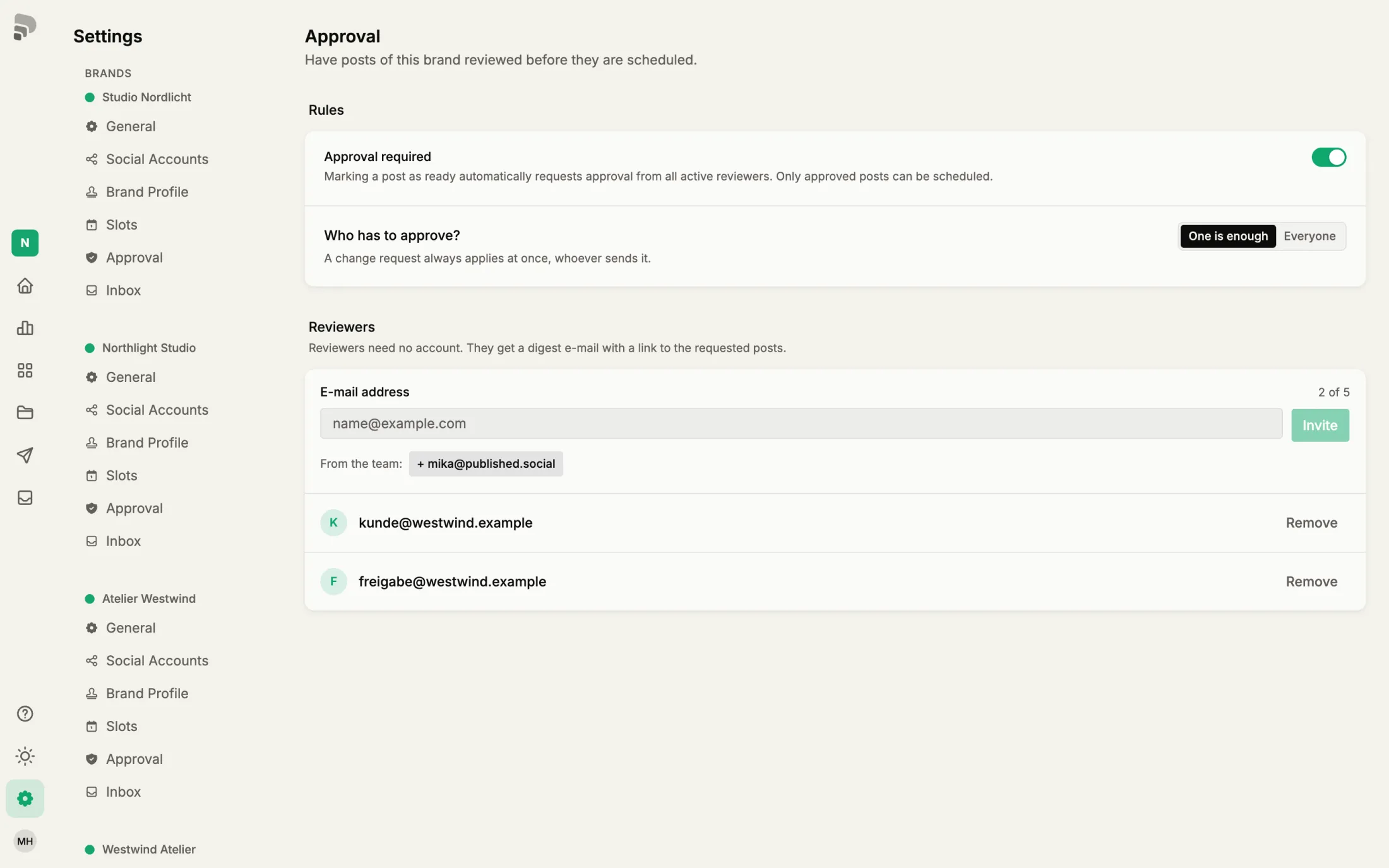
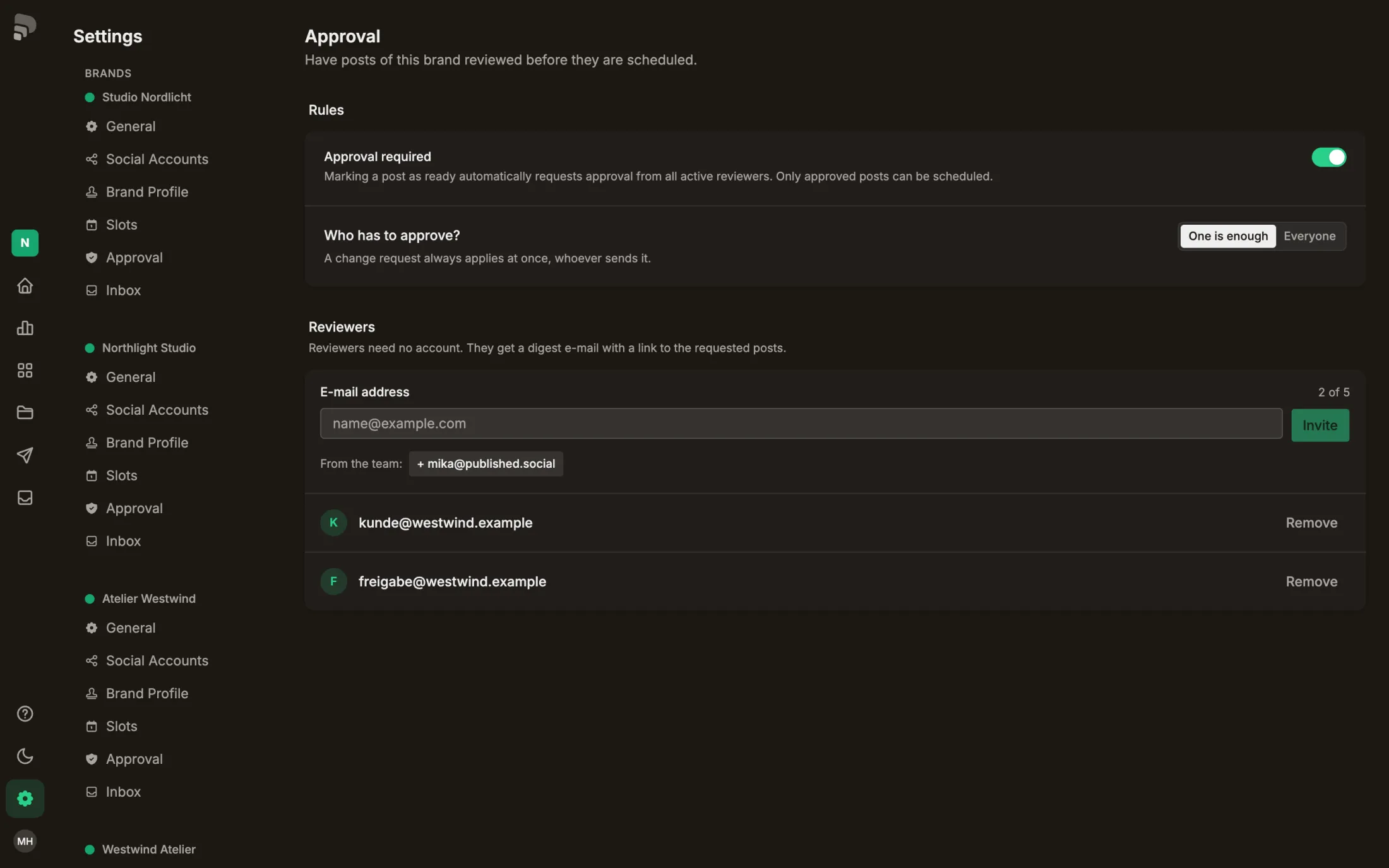
| Let clients approve posts | Set up approval for a brand |
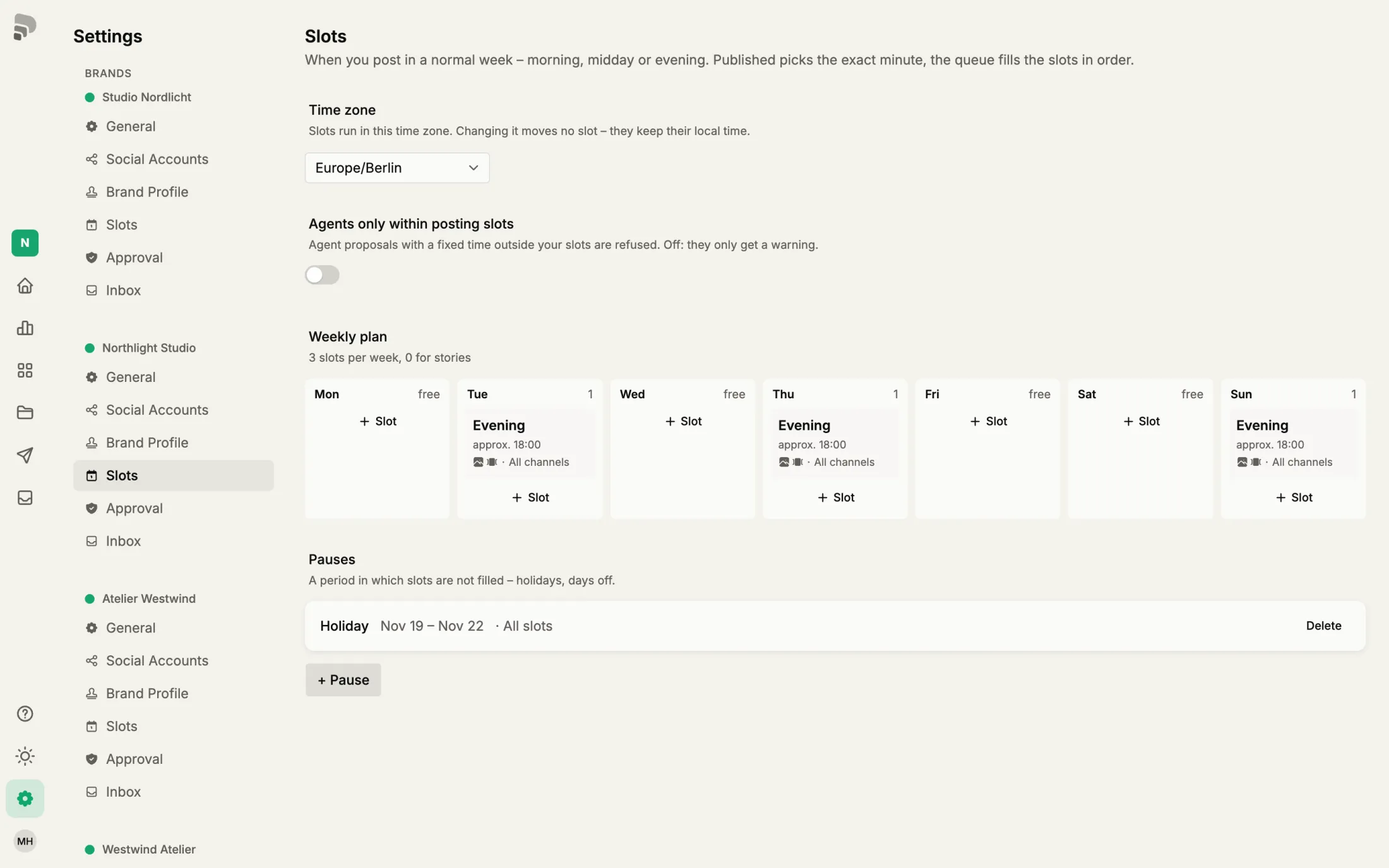
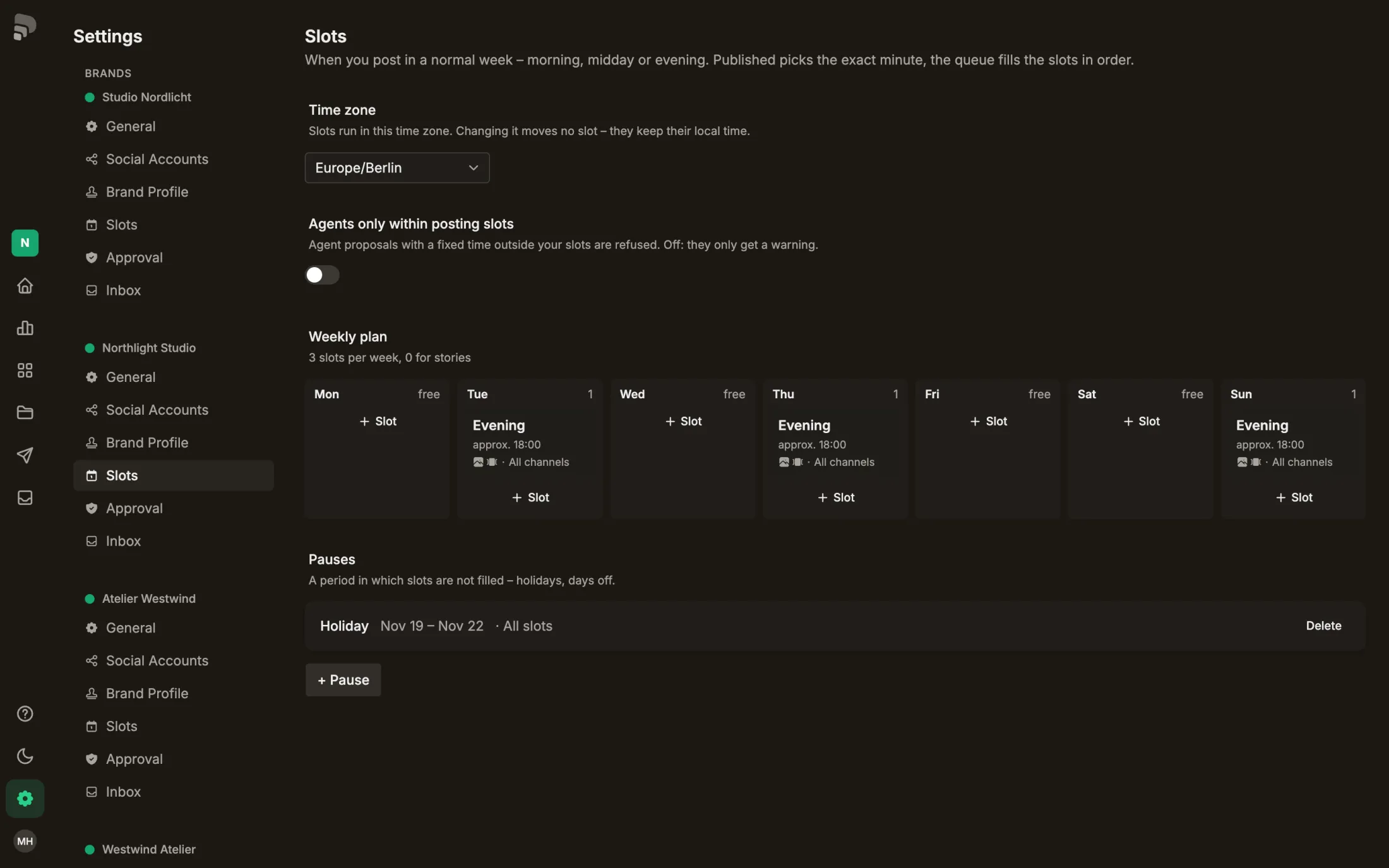
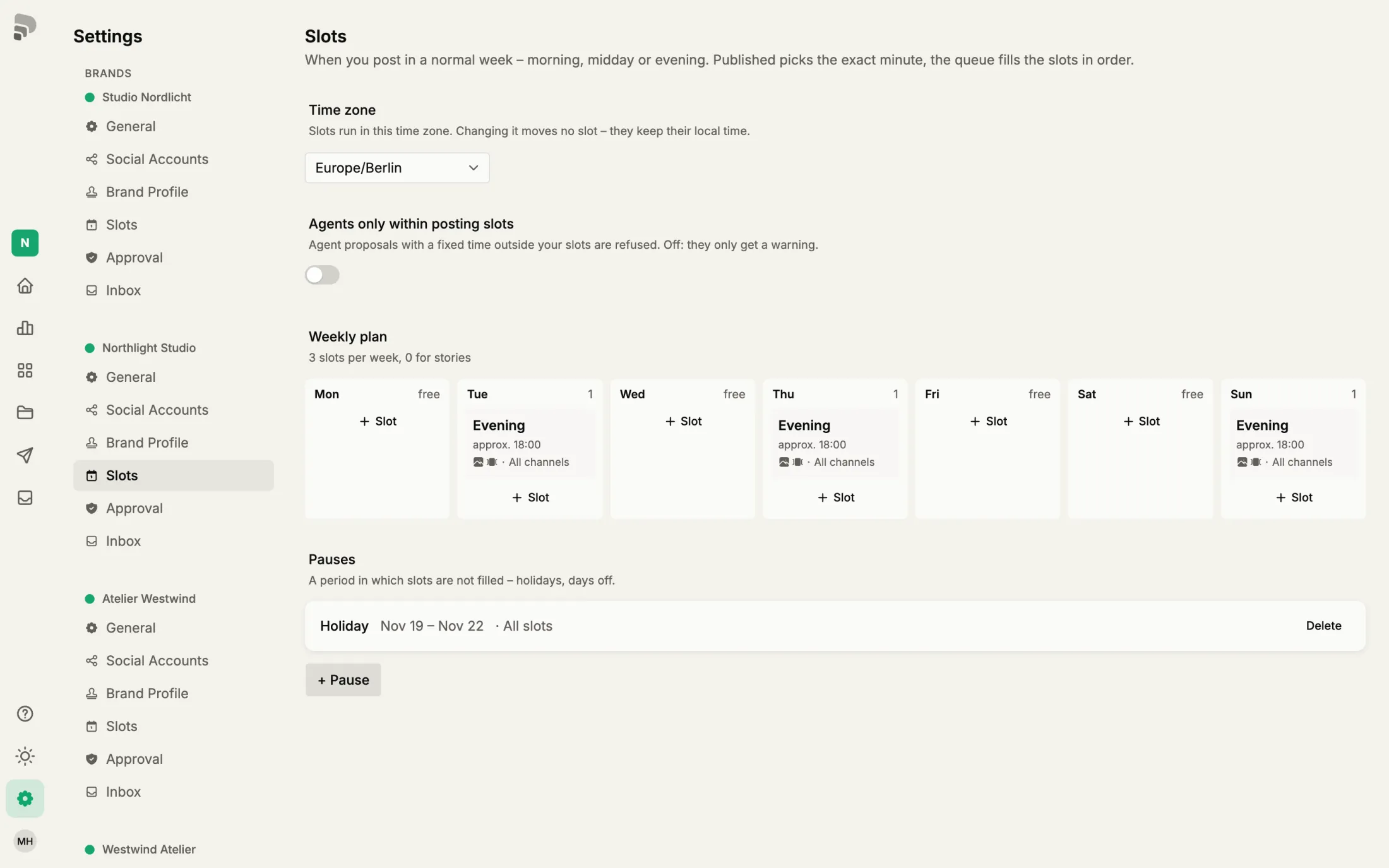
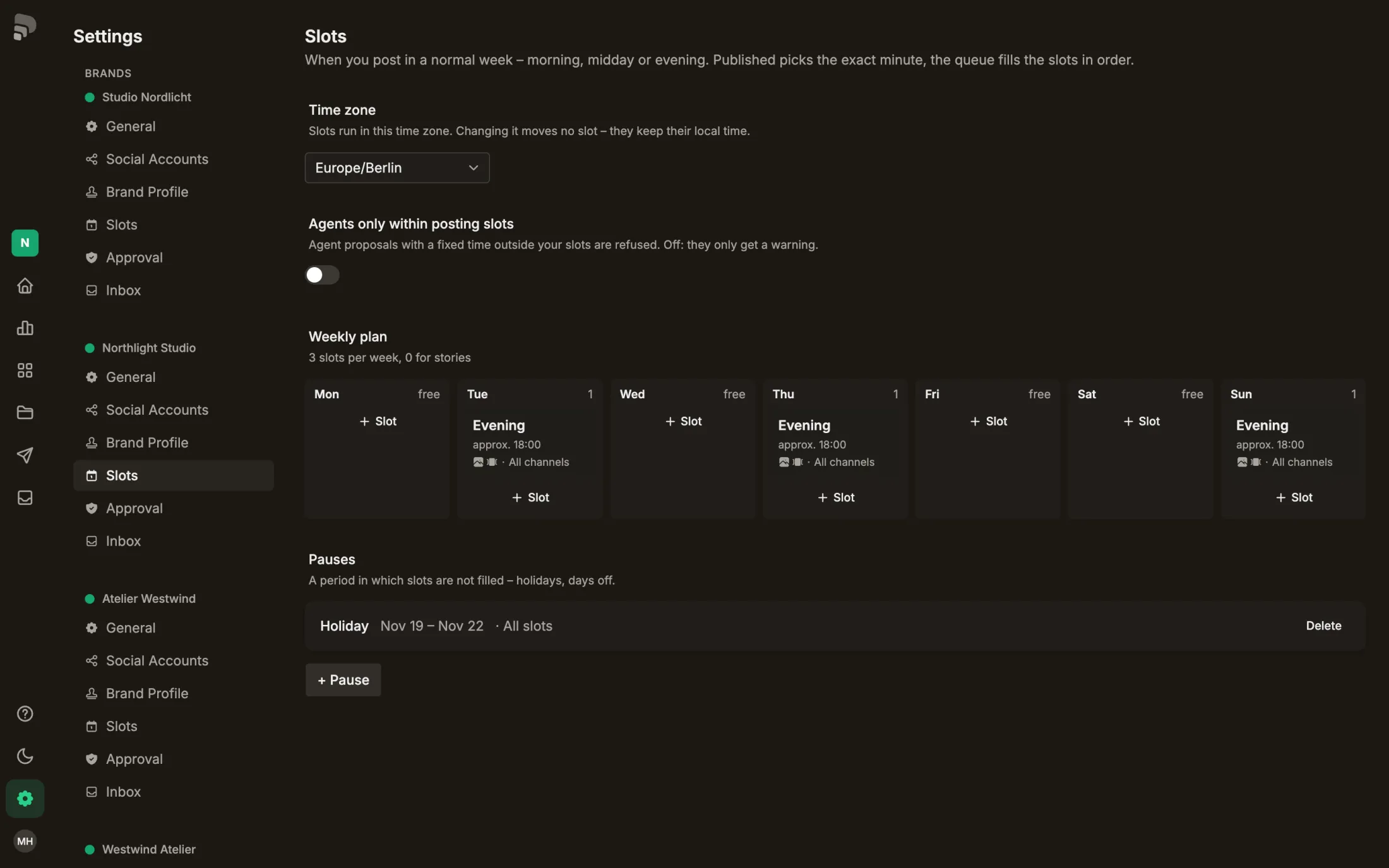
| Plan your posting week | Set your posting slots |
| Switch between brands | Switch between brands |
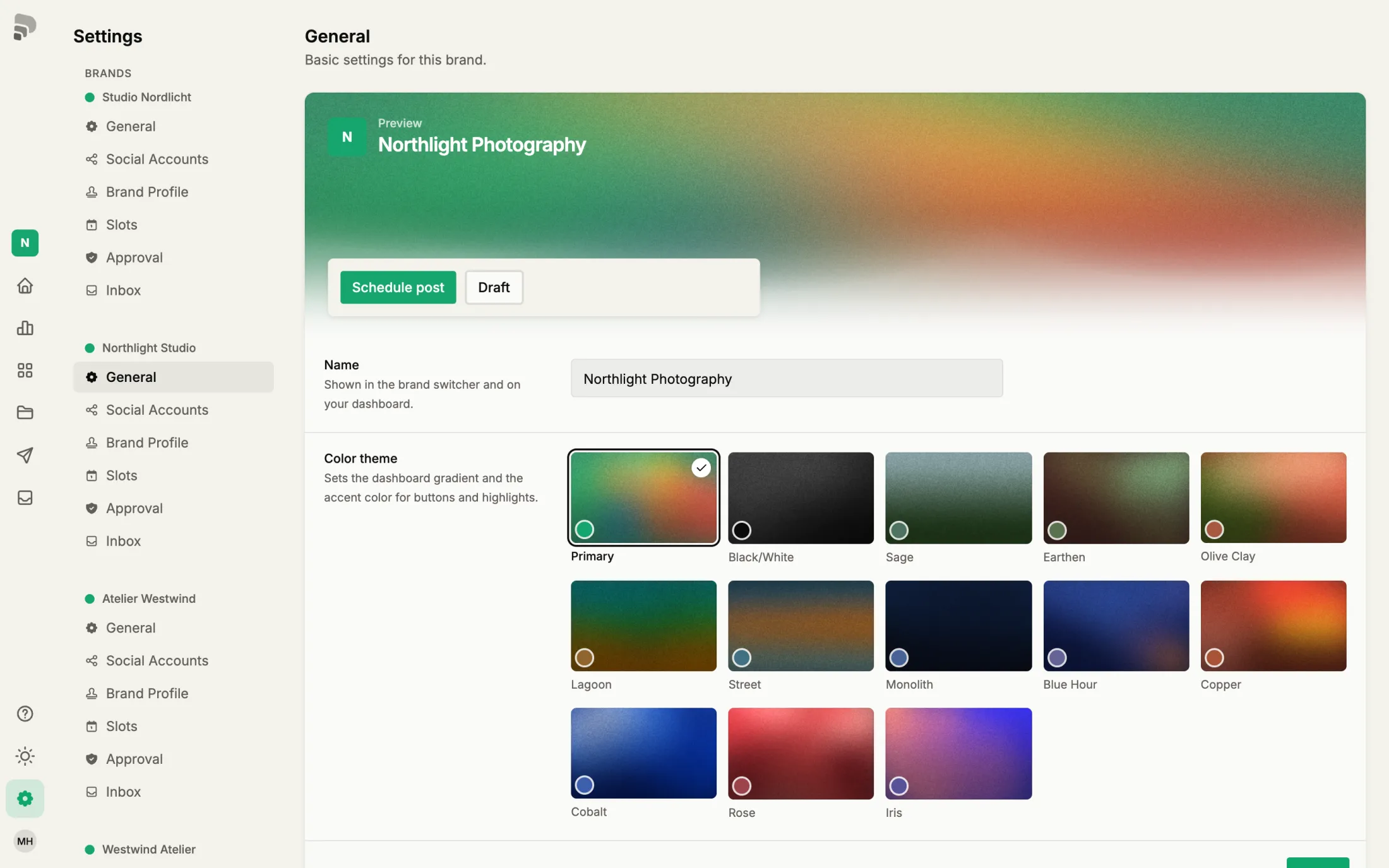
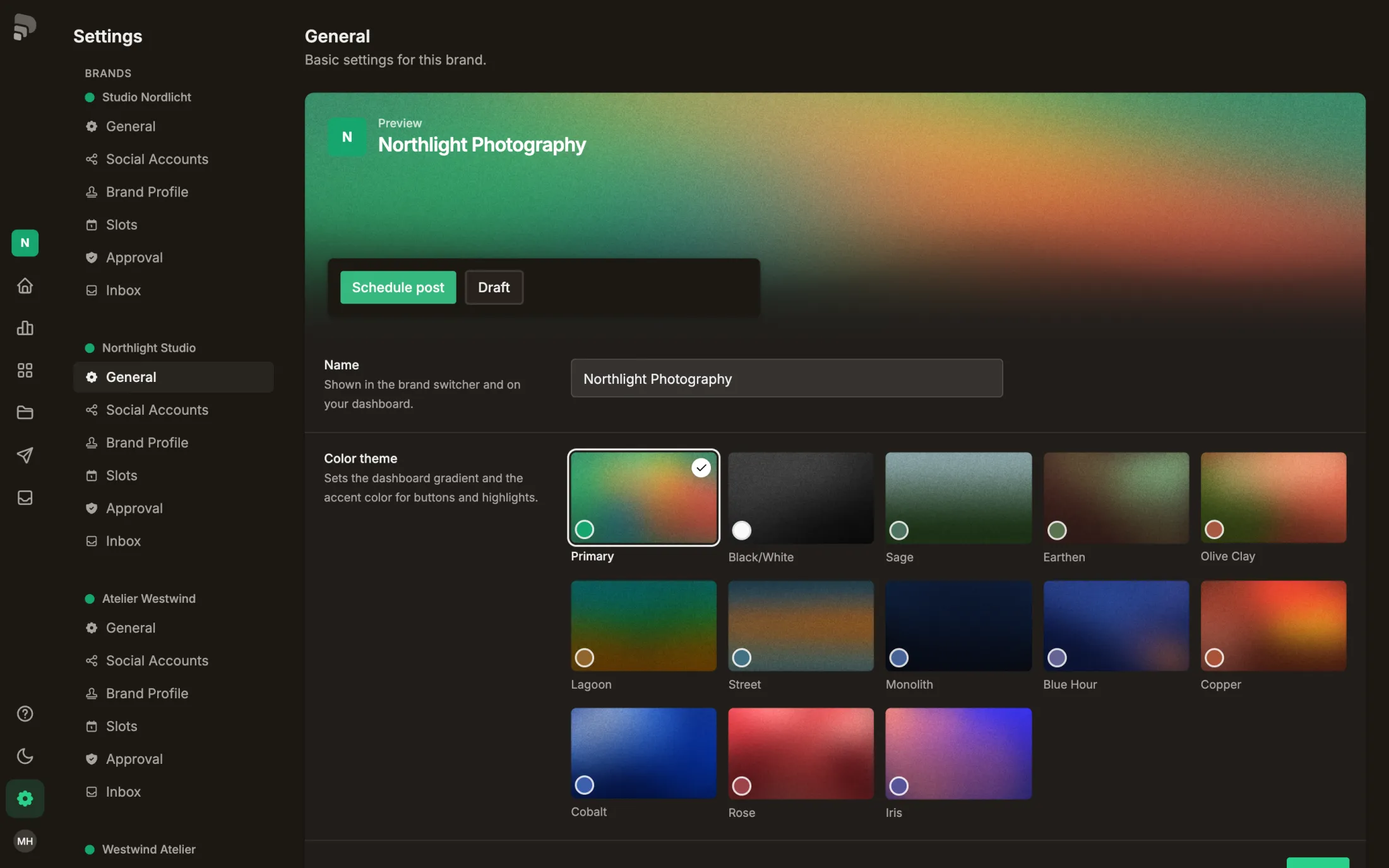
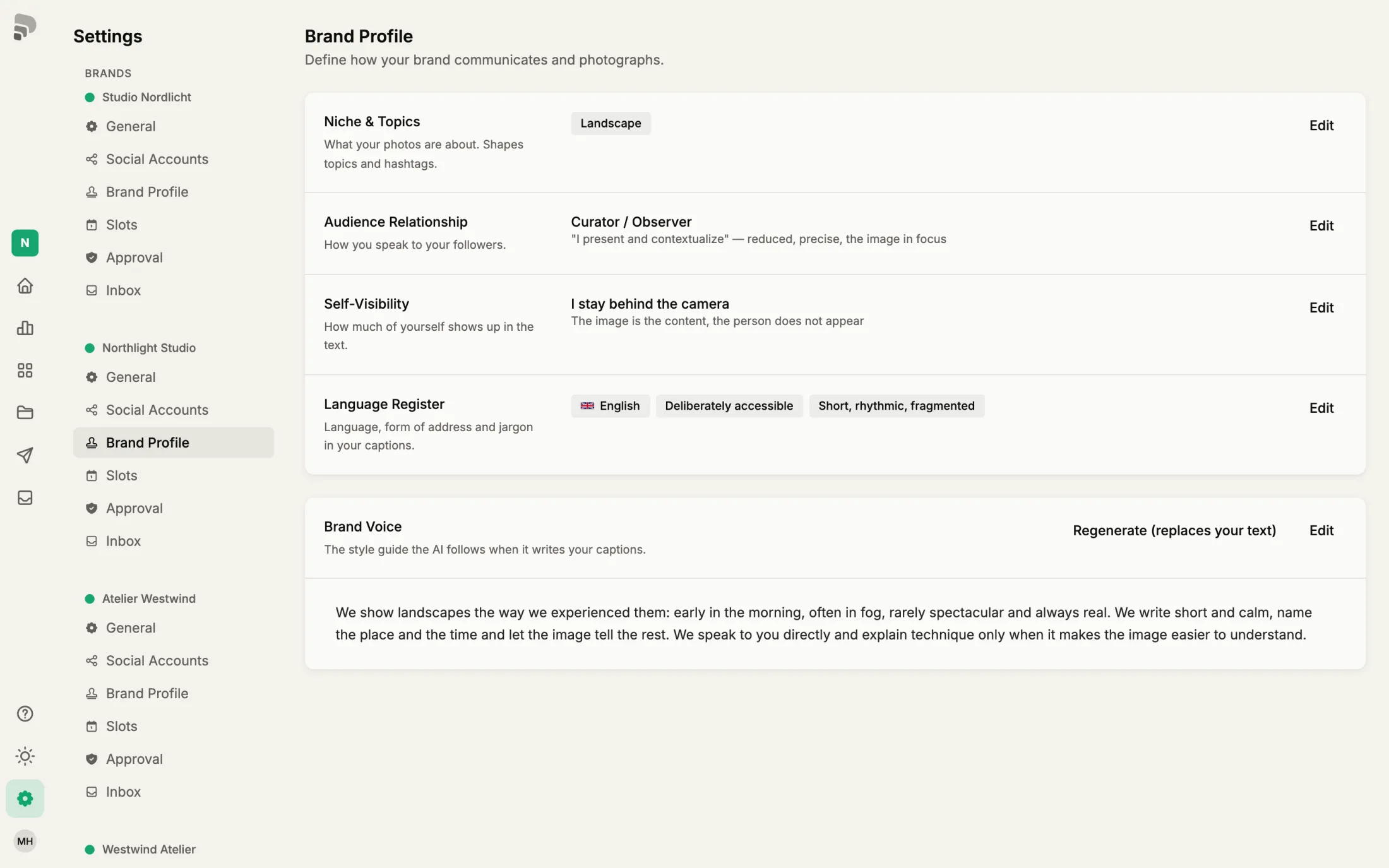
| Set up the brand voice | Choose your brand voice |
QueuedQueuedThe post waits without a fixed time and moves into the next free posting slot by itself.In the glossary →ApprovalApprovalThe OK of a reviewer for a post. With required approval, a post is only scheduled after it.In the glossary →ReviewerReviewerSomeone who checks posts before they are scheduled. Reviewers need no account; they get a link by e-mail.In the glossary →ChannelChannelA connected account on a platform, such as your Instagram profile. A post can go out on several channels.In the glossary →BrandBrandEverything that belongs to one presence: channels, media, posts and settings. In the app it is called “Brand”.In the glossary →RoleRoleWhat a person may do in a brand, for example admin or editor. One person can have a different role in each brand.In the glossary →+3