Disconnect a channel
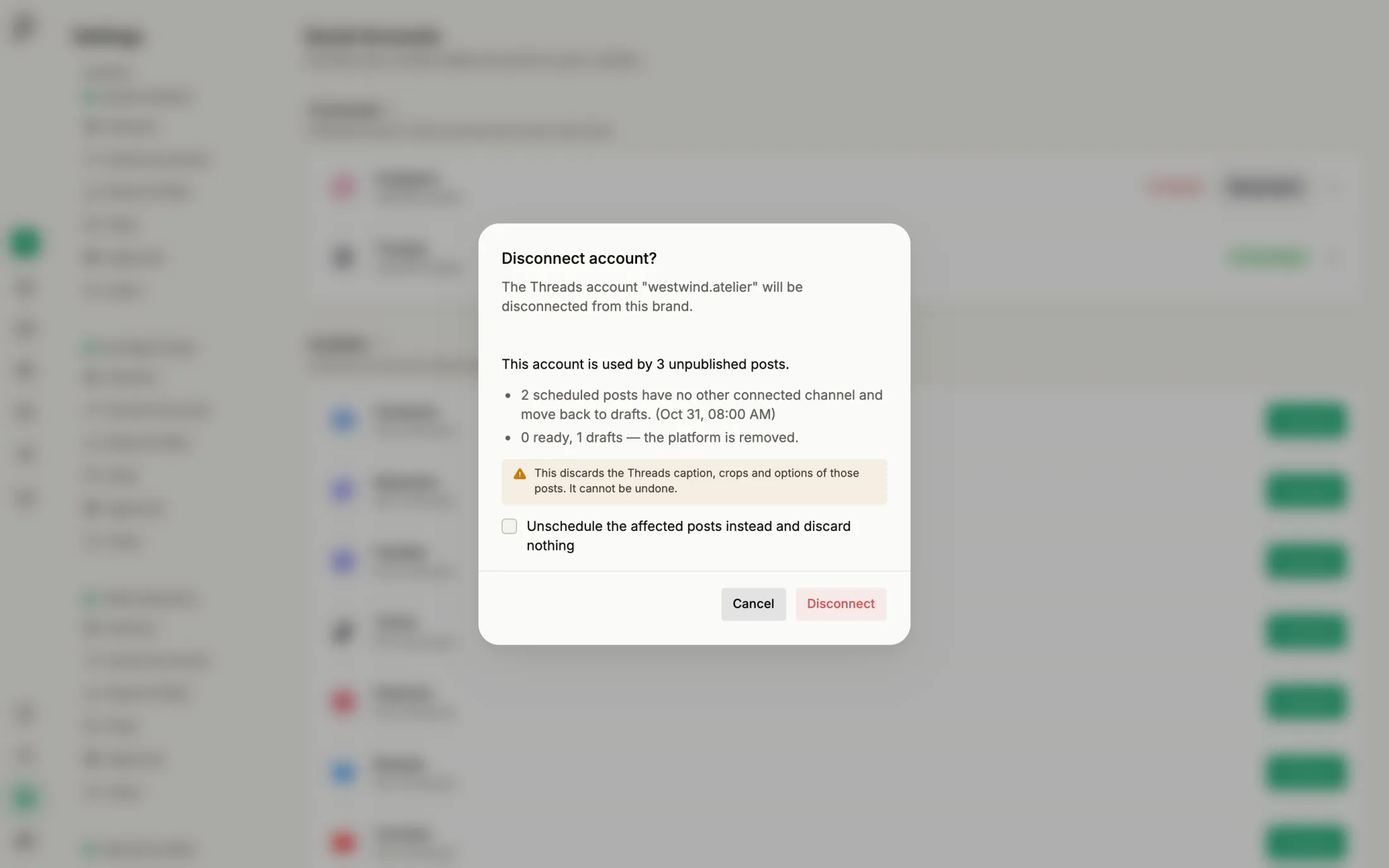
Before you disconnect, Published shows which posts still use the channel and what goes with the connection.
Step by step
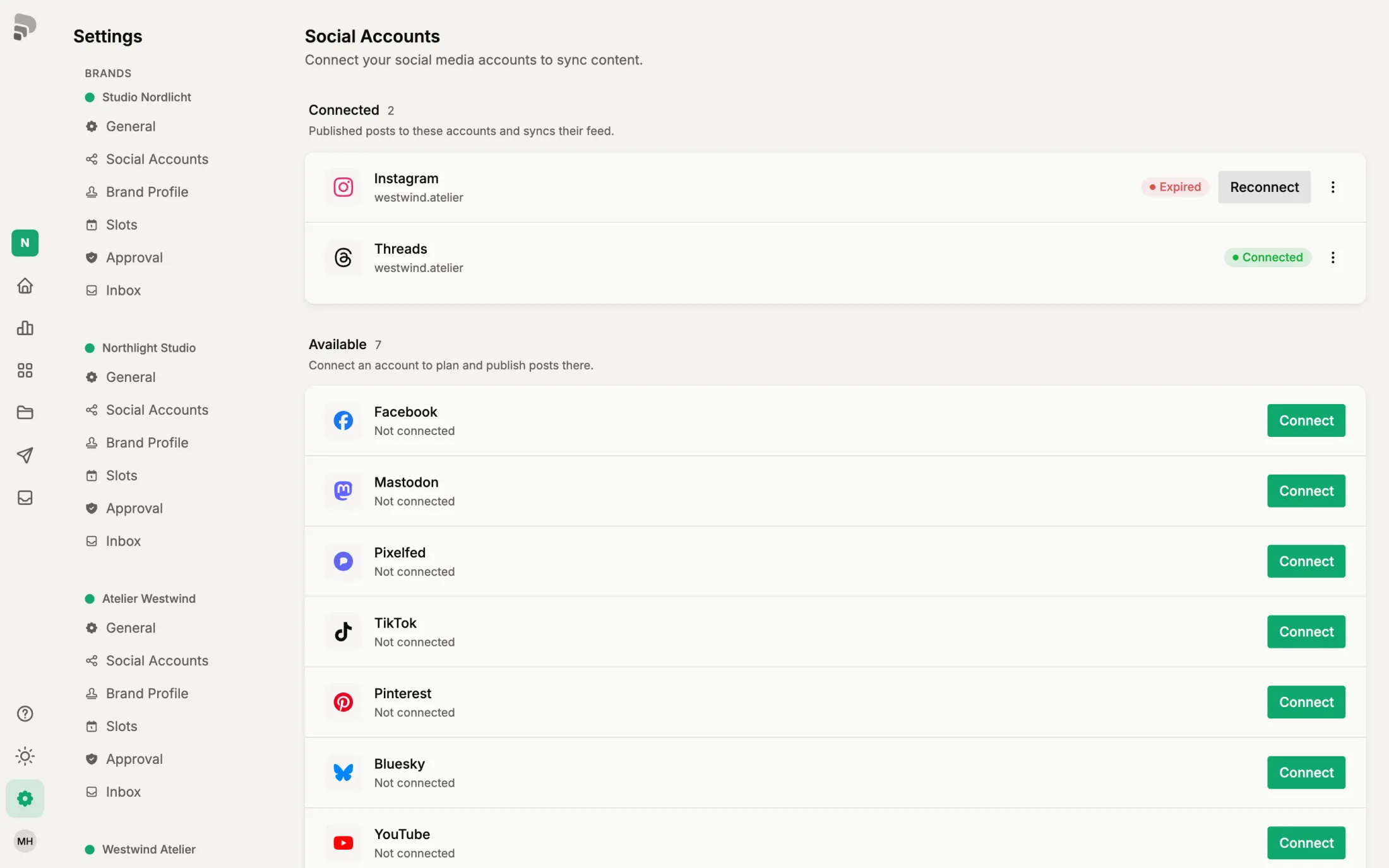
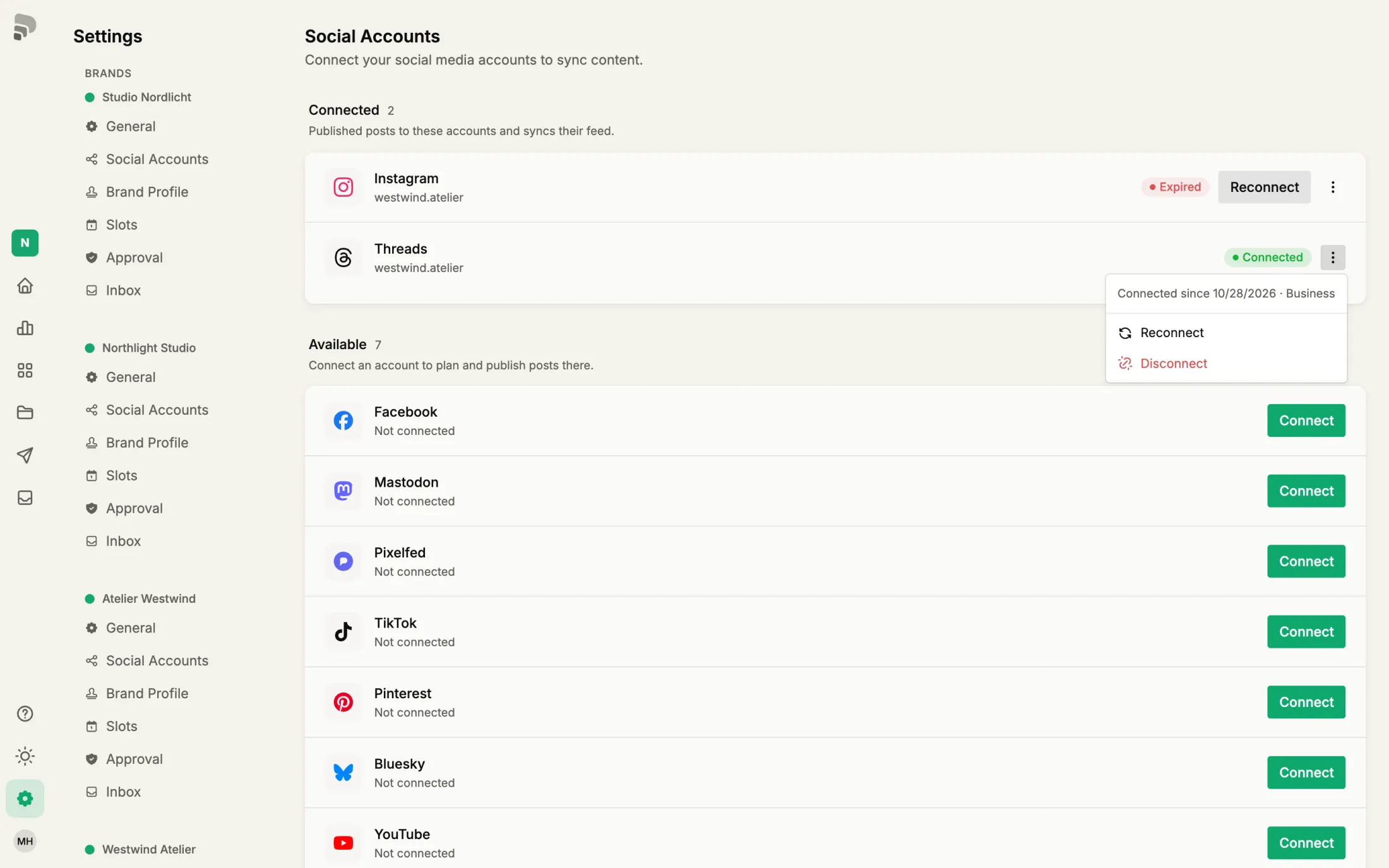
- 1
- 2
- 3
Check the consequences
The dialog lists the unpublished posts that use this channel. Instead of removing the platform from them you can unschedule them all. Imported posts and their statistics are deleted.
Was this helpful?