Pause for holidays
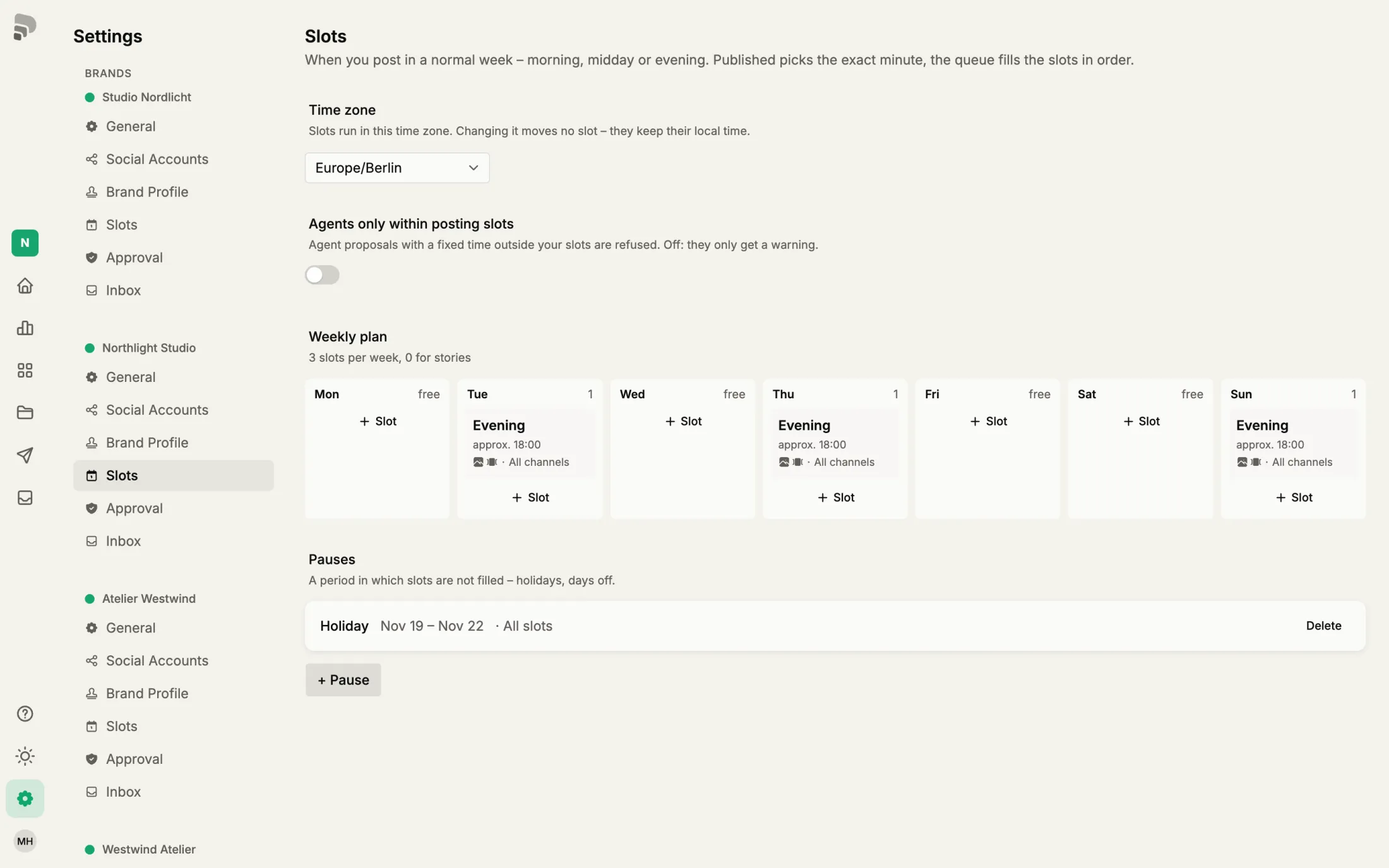
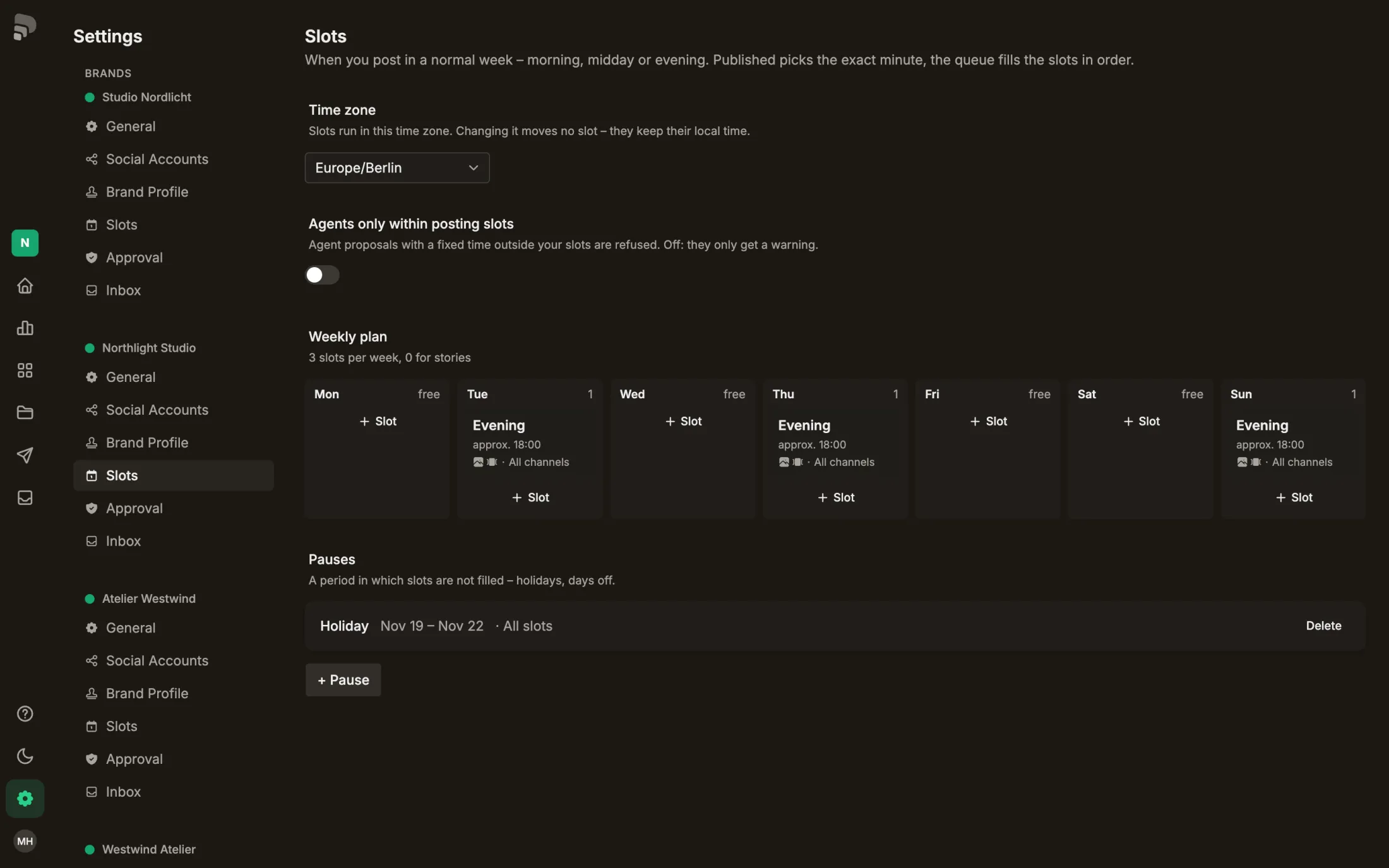
During a pause no slots are filled. Posts stay in the queue and move into the first free slot after it.
Step by step
- 1
- 2
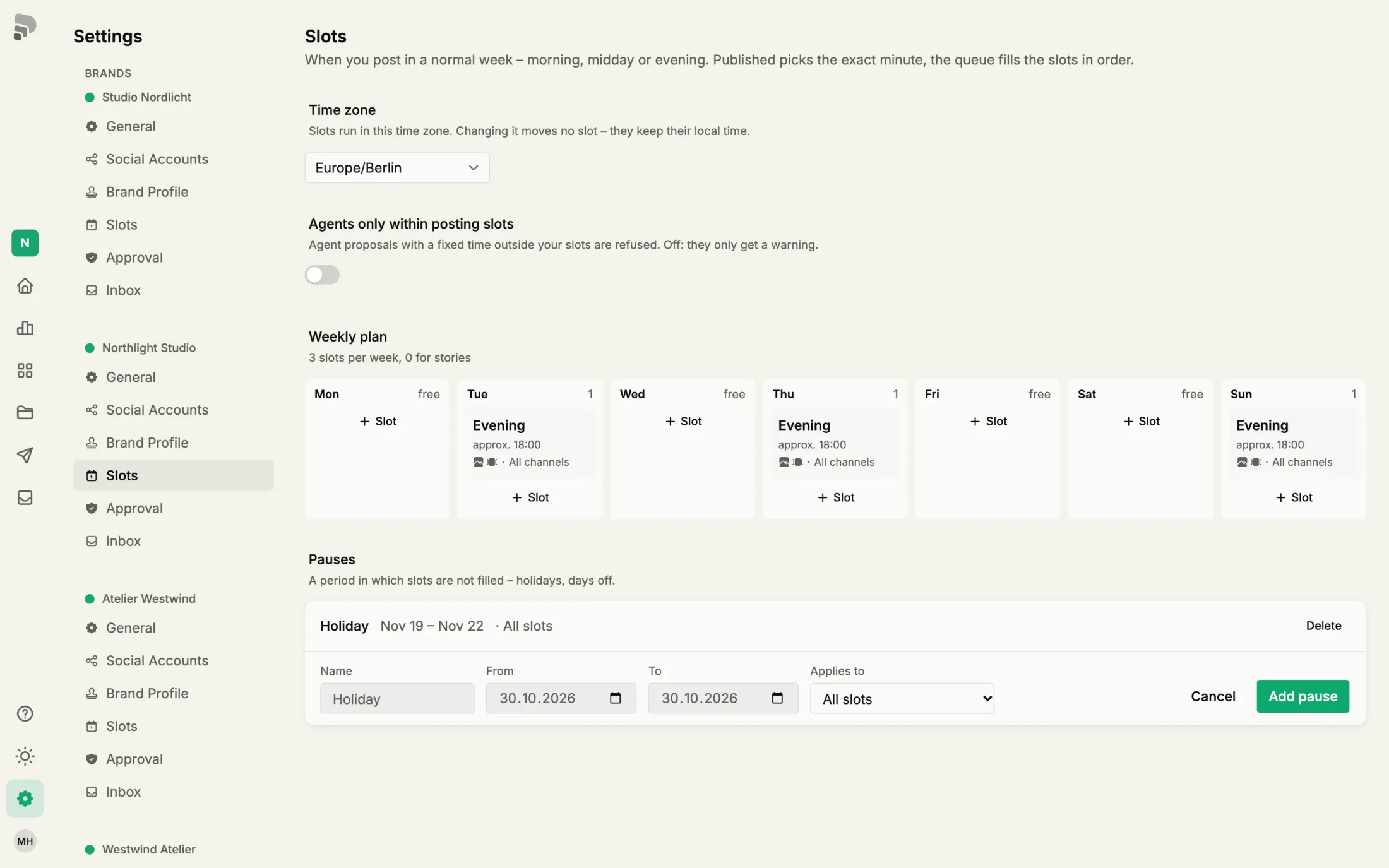
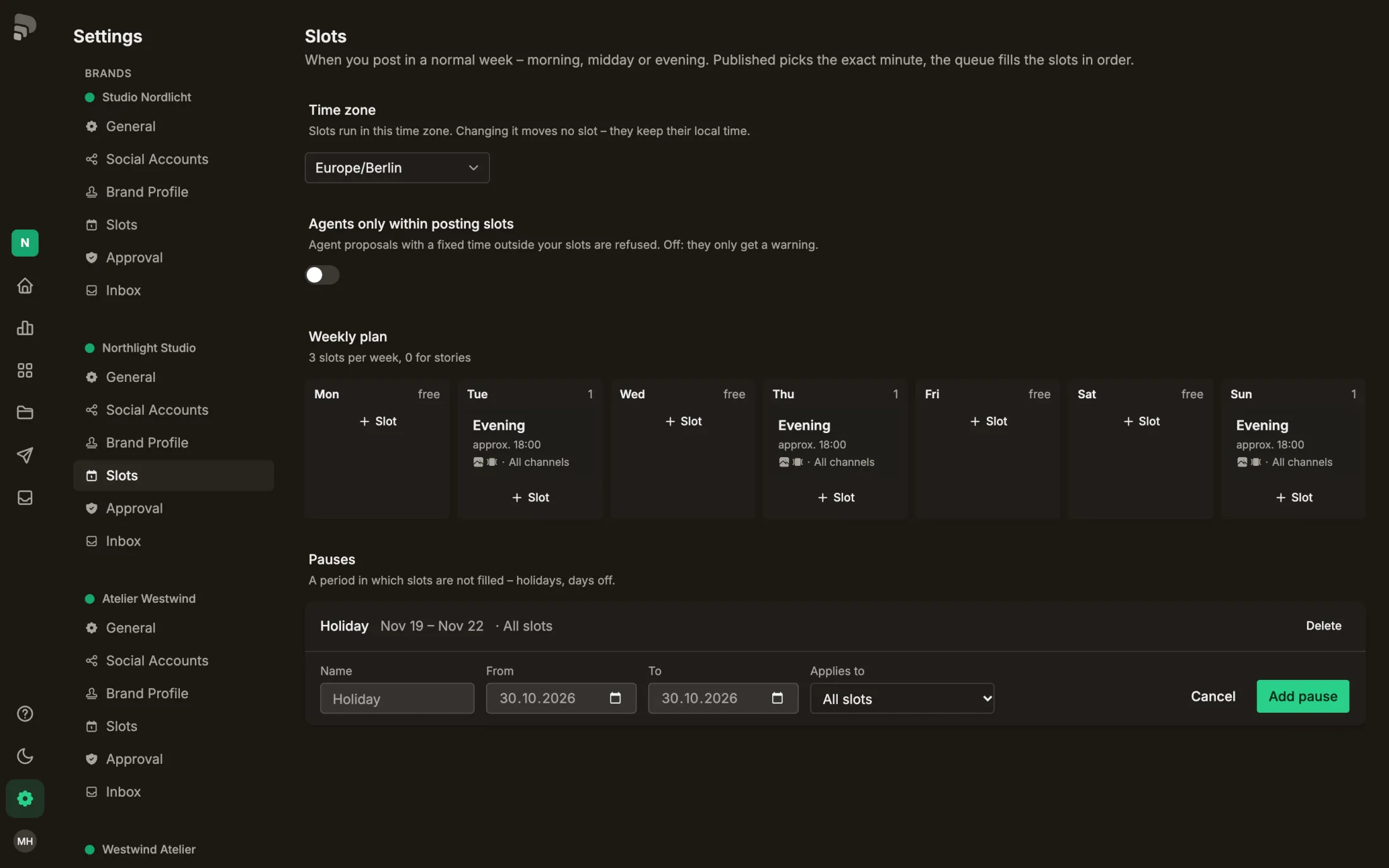
Give it a name.
- 3
Choose the first day.
- 4
- 5
Was this helpful?
During a pause no slots are filled. Posts stay in the queue and move into the first free slot after it.
Give it a name.
Choose the first day.