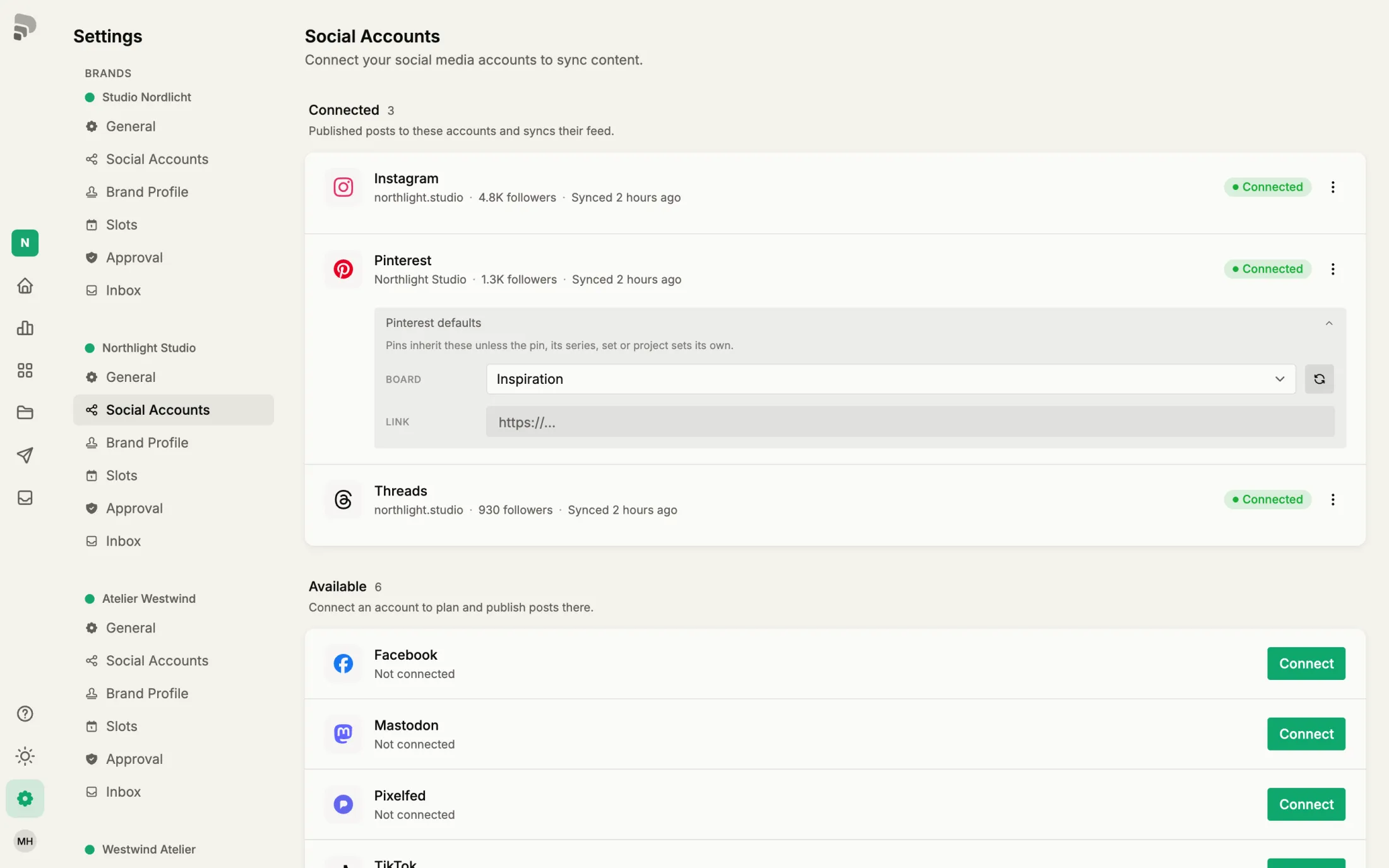
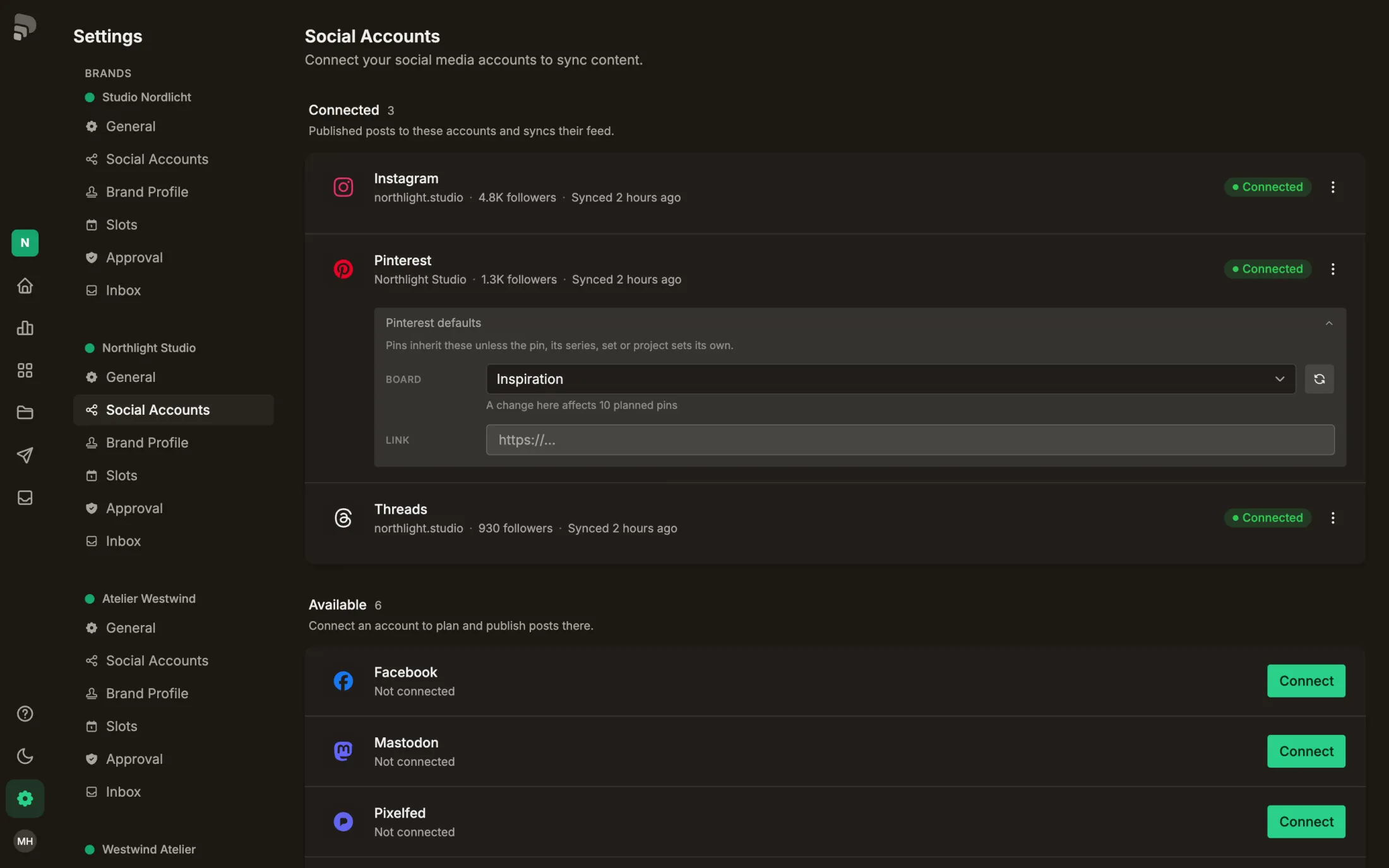
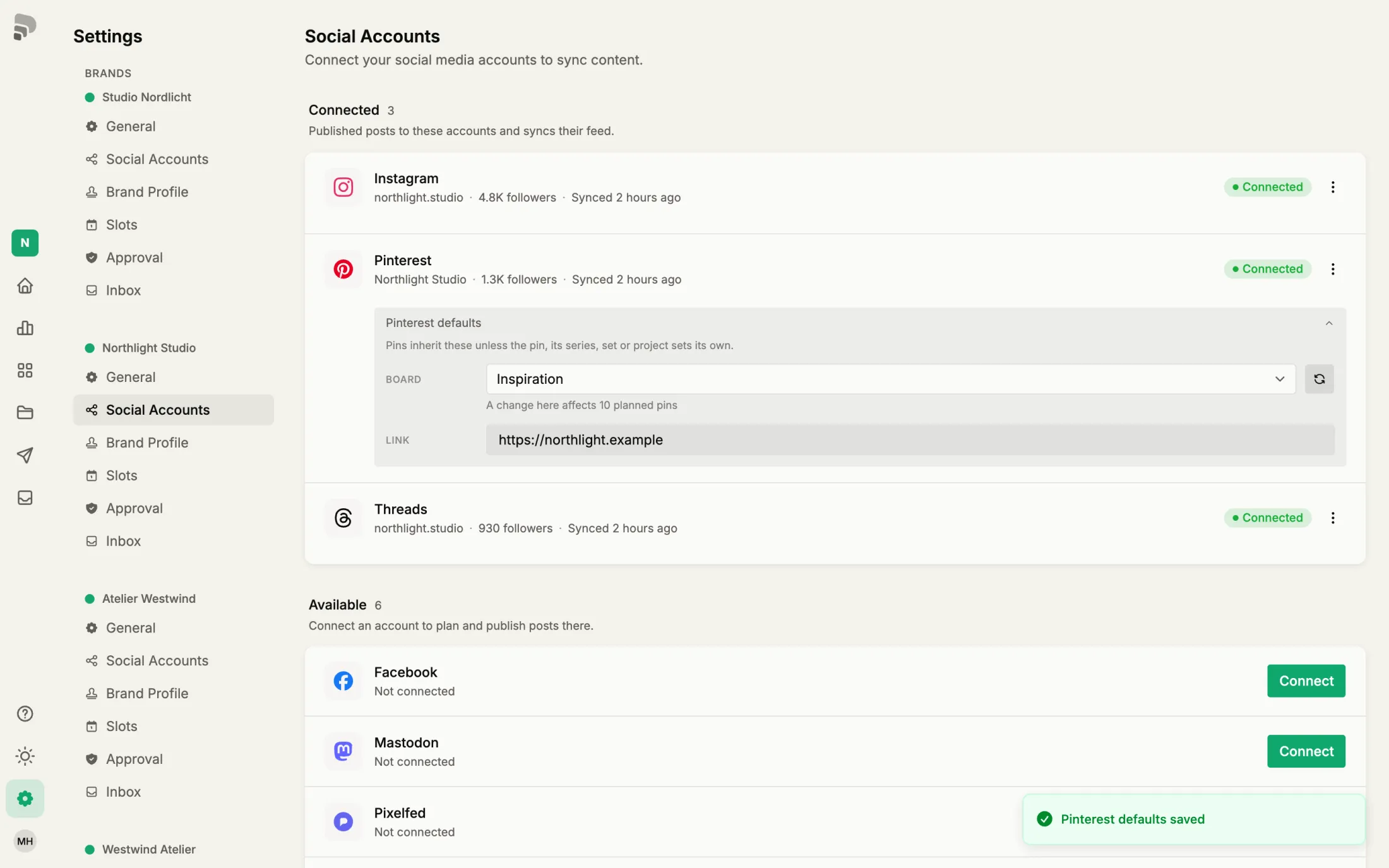
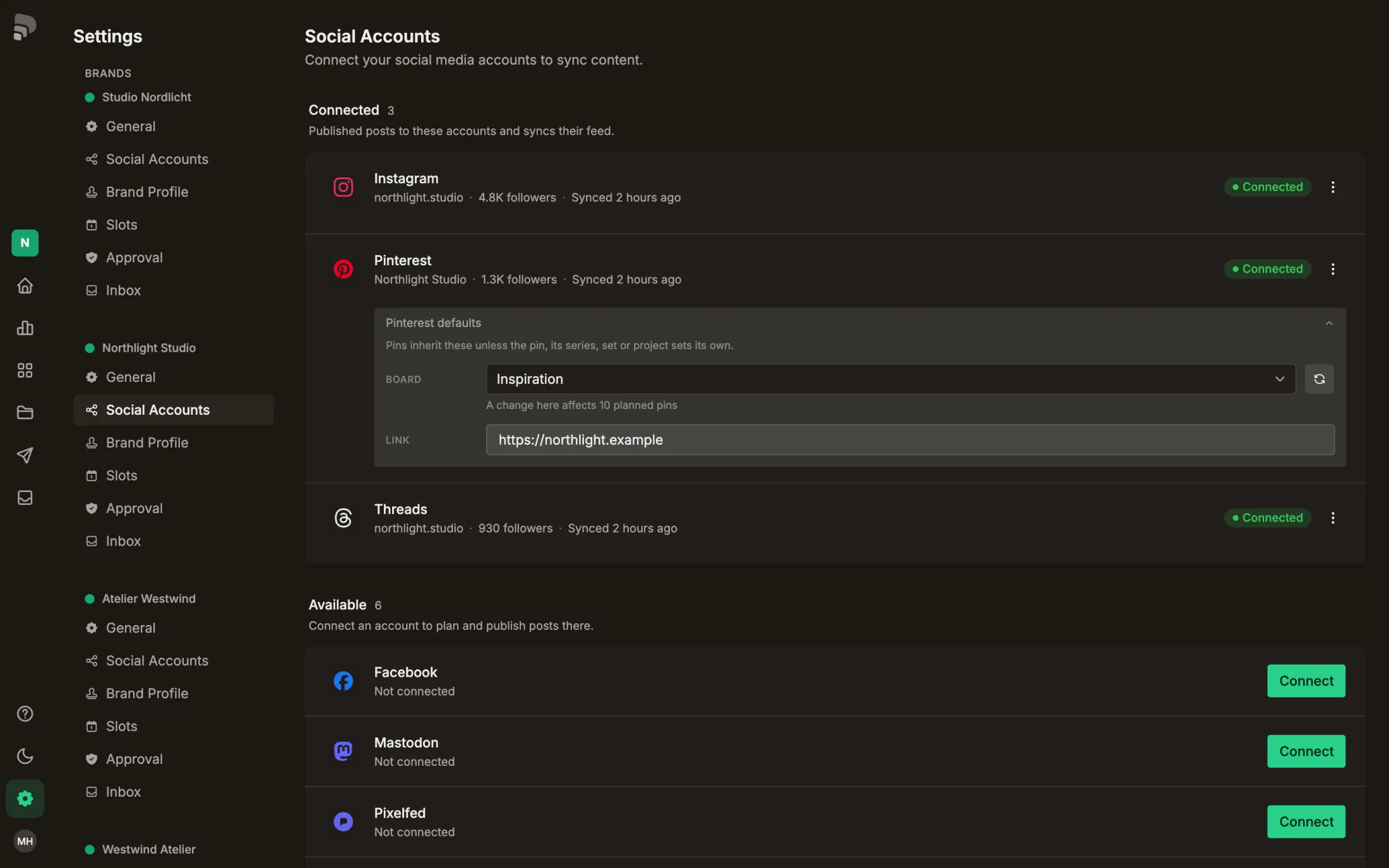
Pinterest defaults: board and link
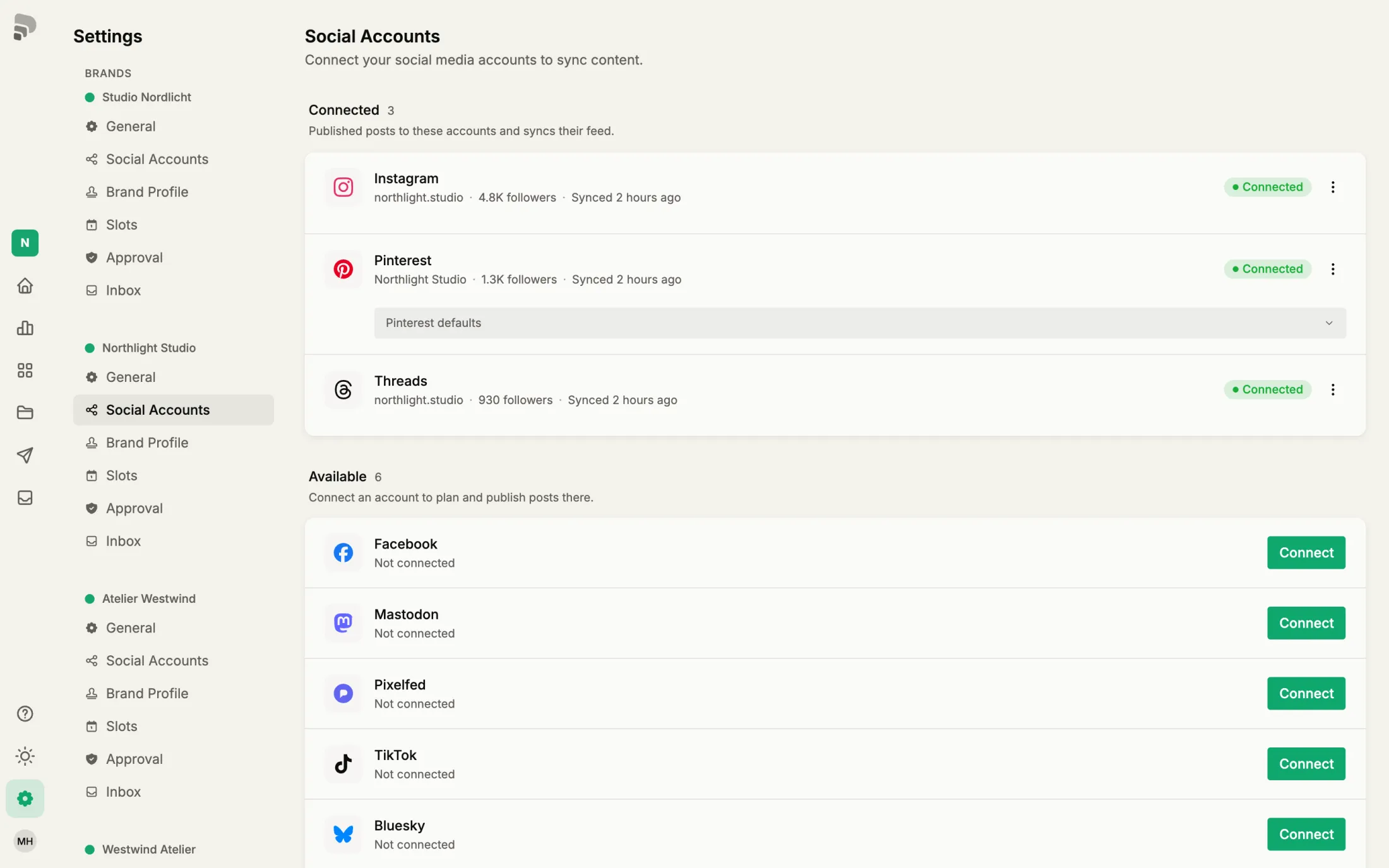
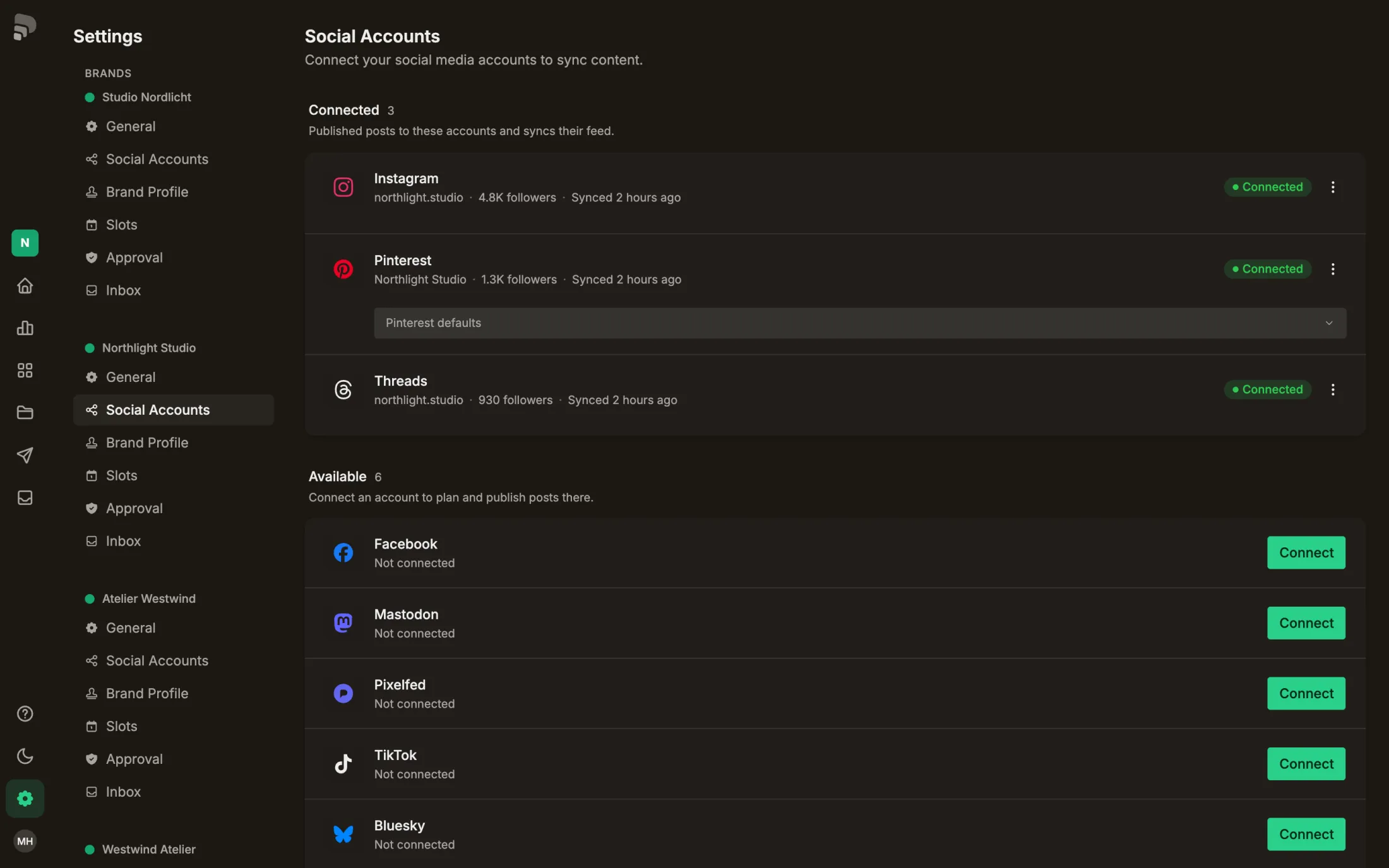
Set a default board and link once. Pins use them whenever the pin, series, set or project sets none of its own.
Step by step
- 1
- 2
- 3
Was this helpful?
Set a default board and link once. Pins use them whenever the pin, series, set or project sets none of its own.