Remove someone from your team
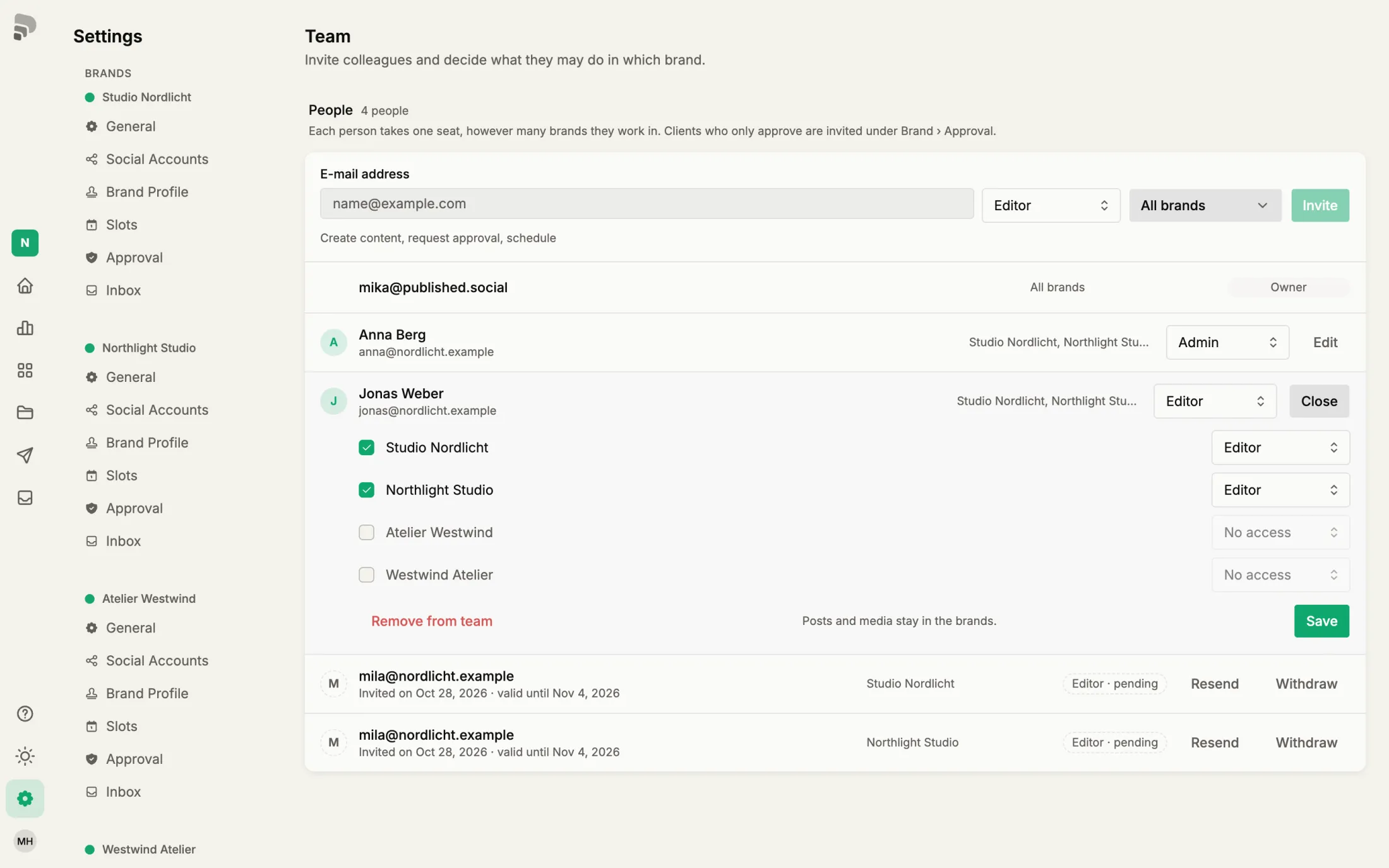
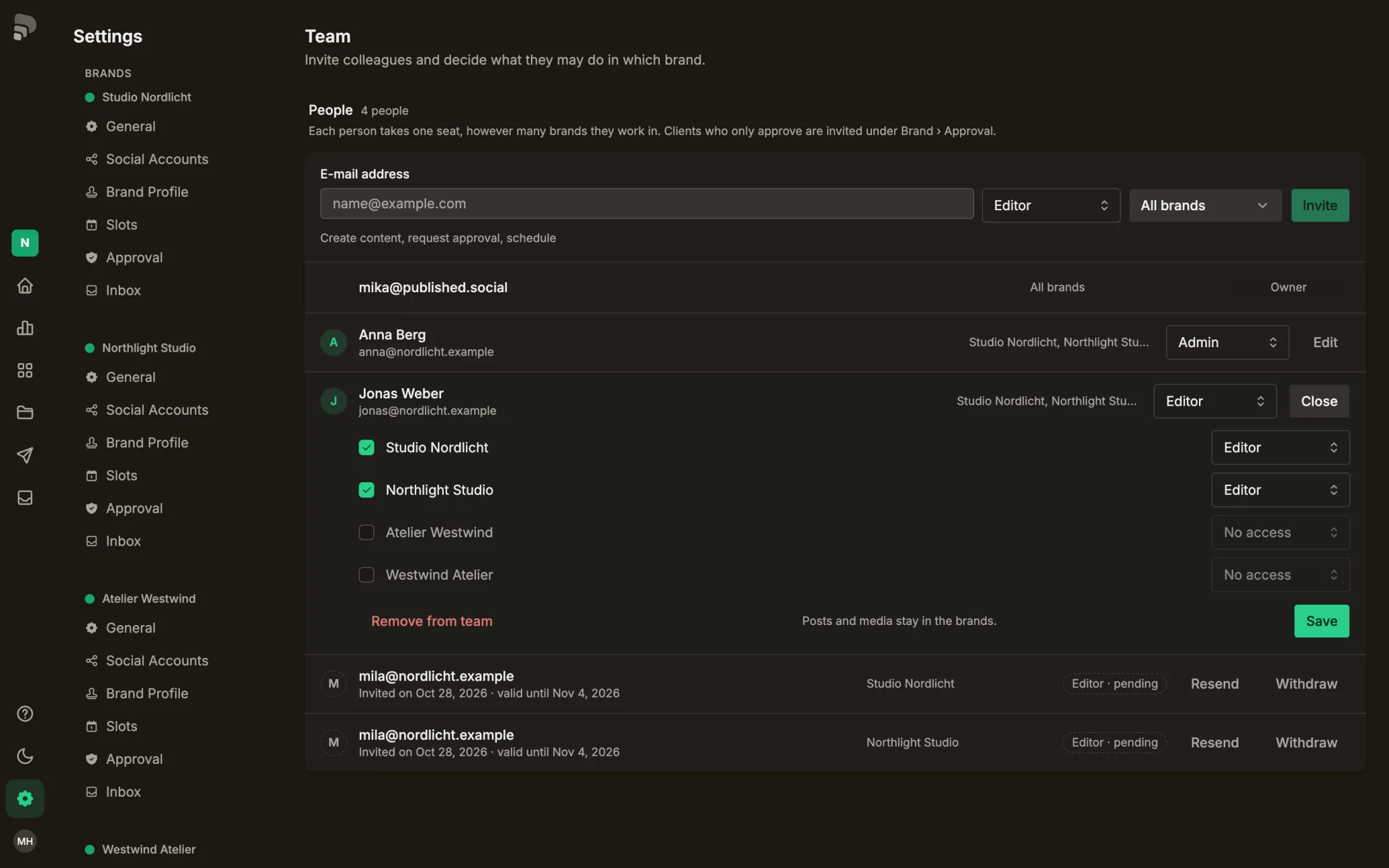
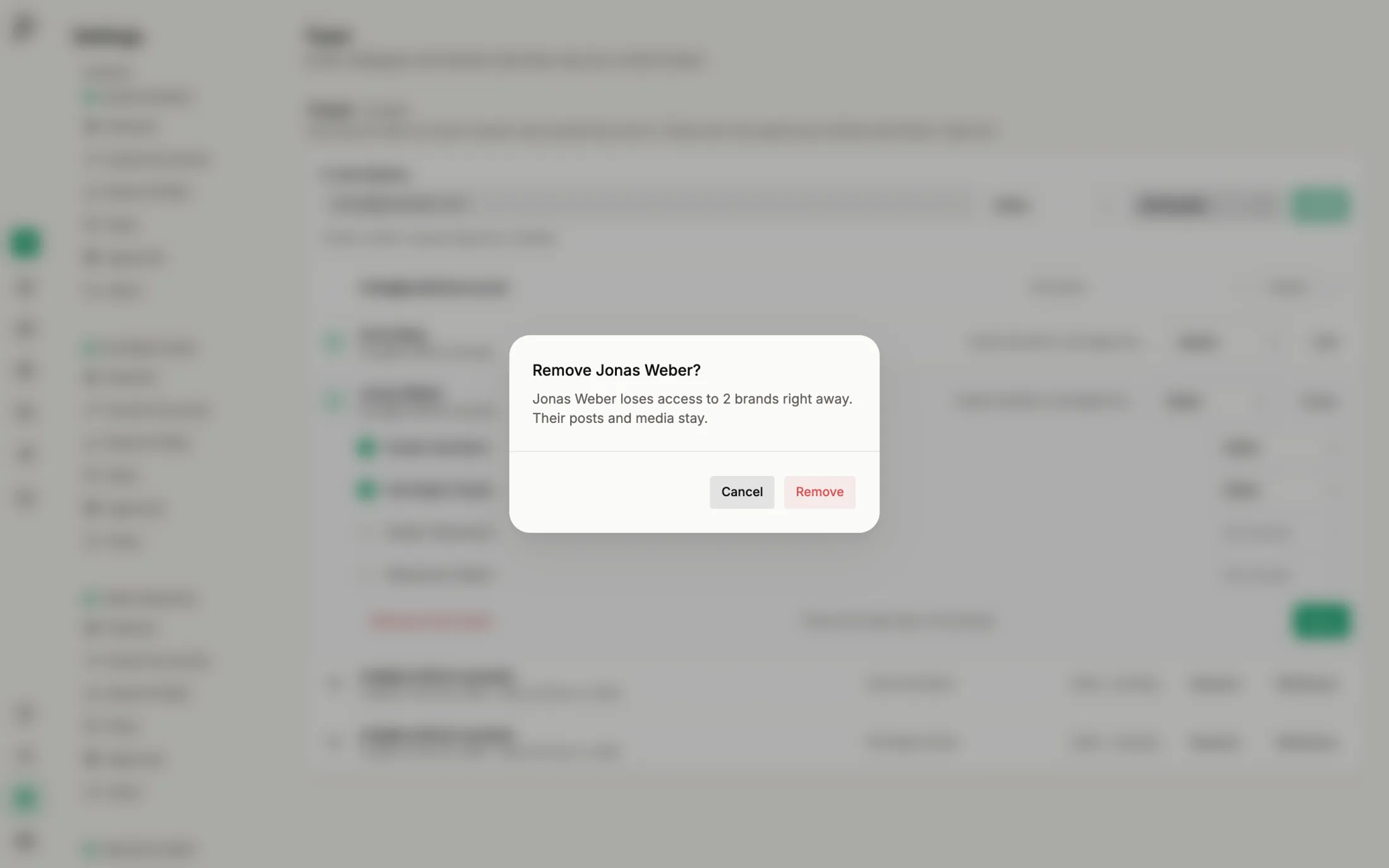
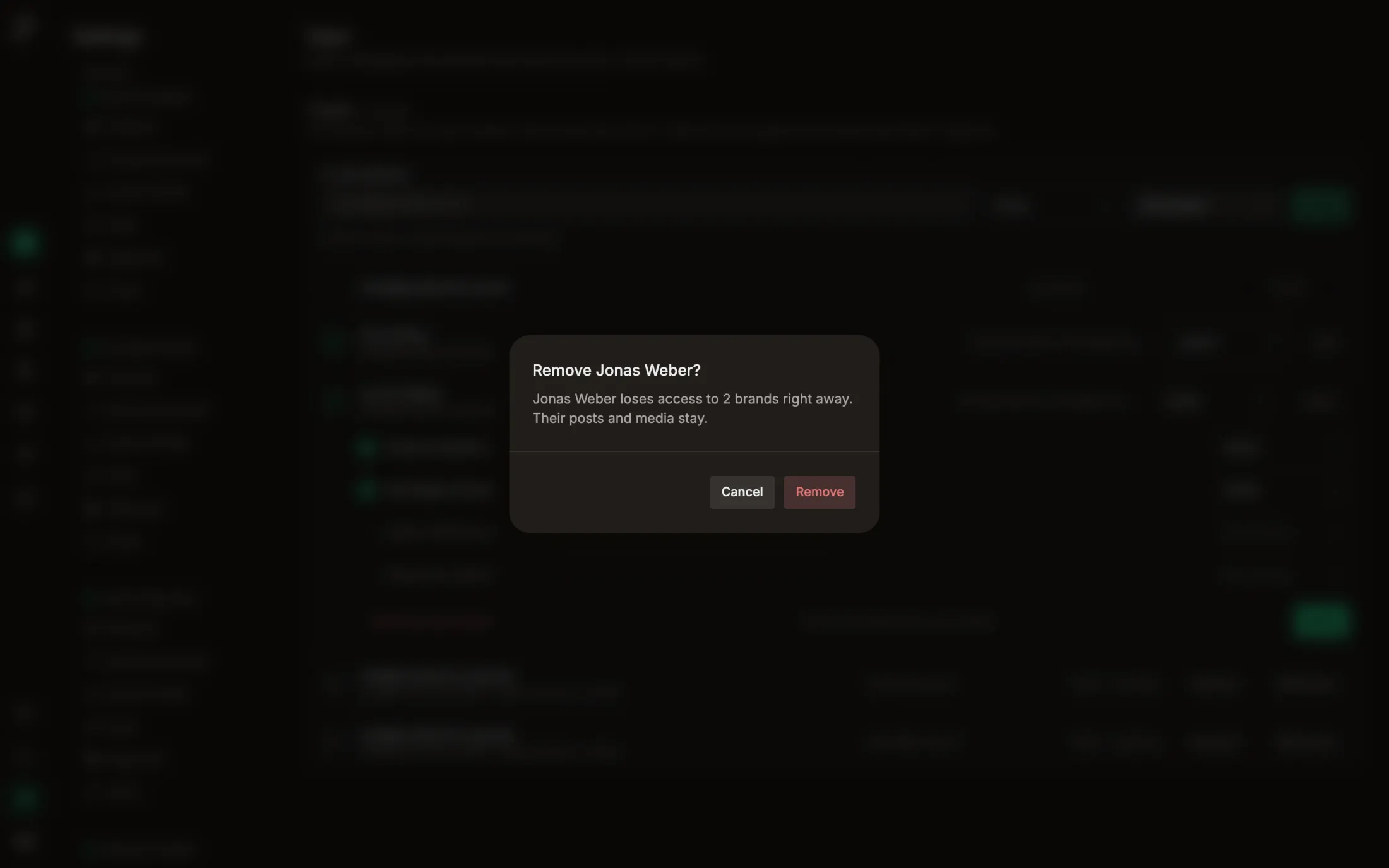
Removing frees the seat. Posts and media the person created stay in the brands.
Step by step
- 1
Click “Edit” next to the person.
- 2
- 3
Was this helpful?
Removing frees the seat. Posts and media the person created stay in the brands.
Click “Edit” next to the person.