Skip to content
Page overviewChecked on October 29, 2026

Your settings at a glance

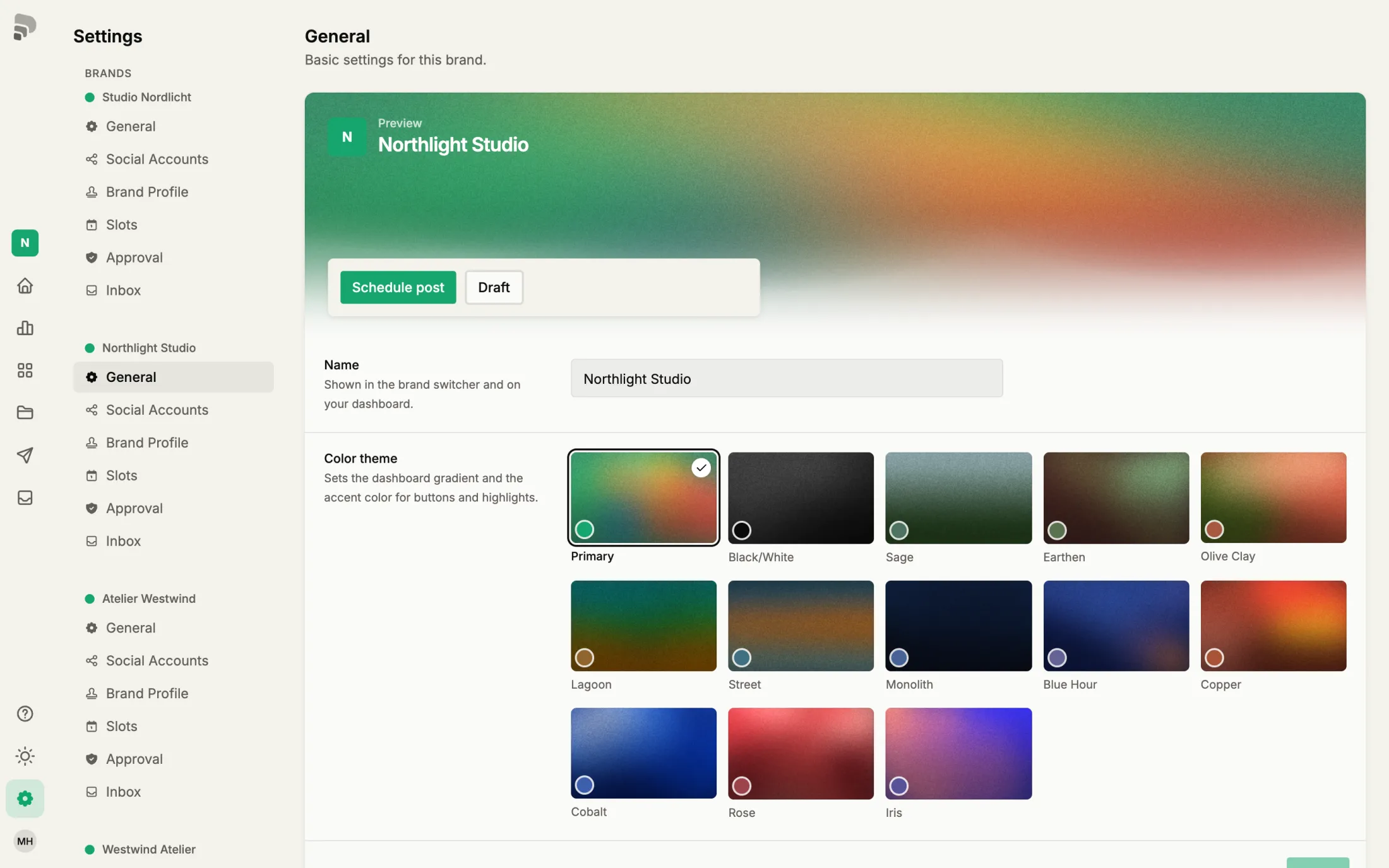
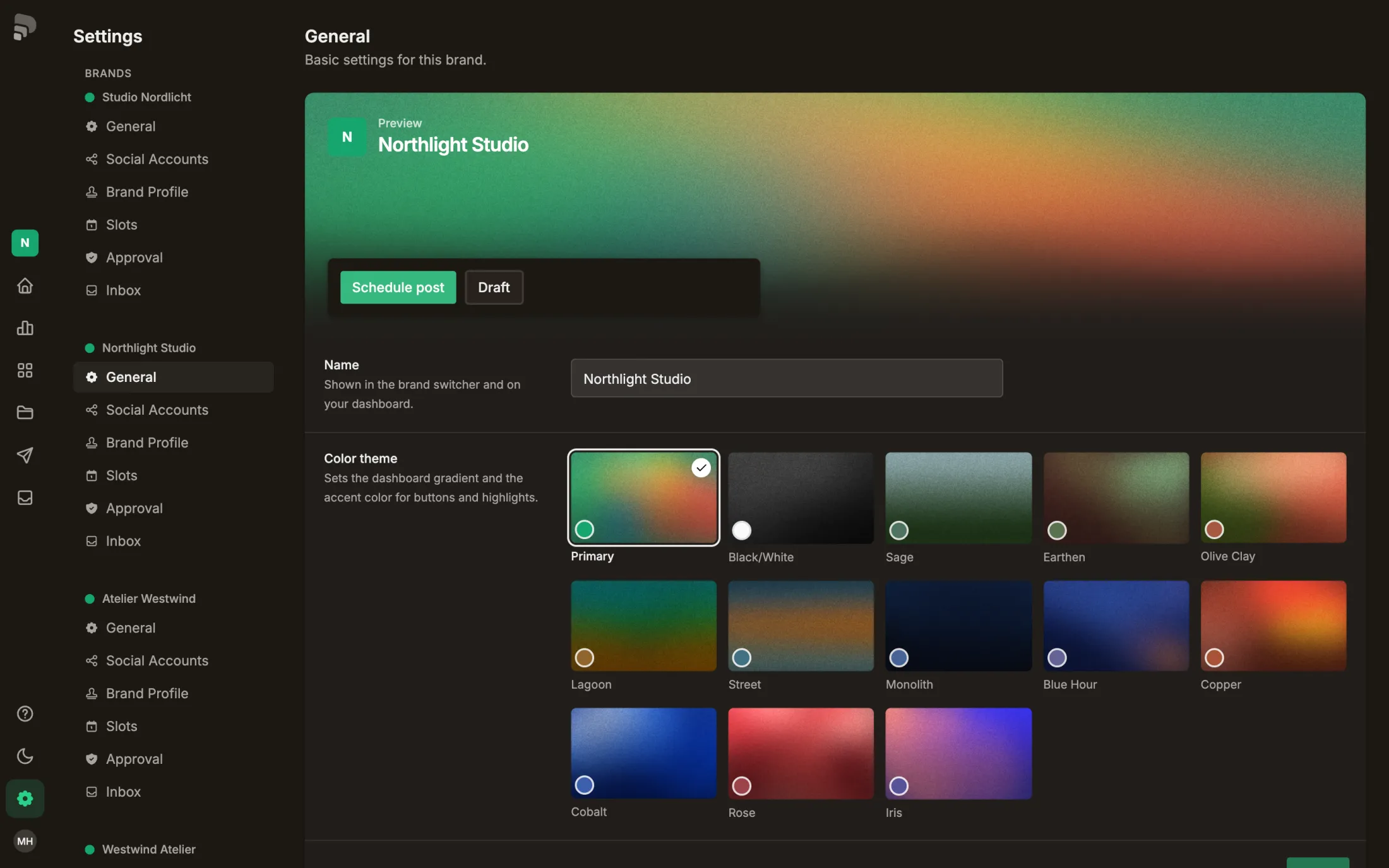
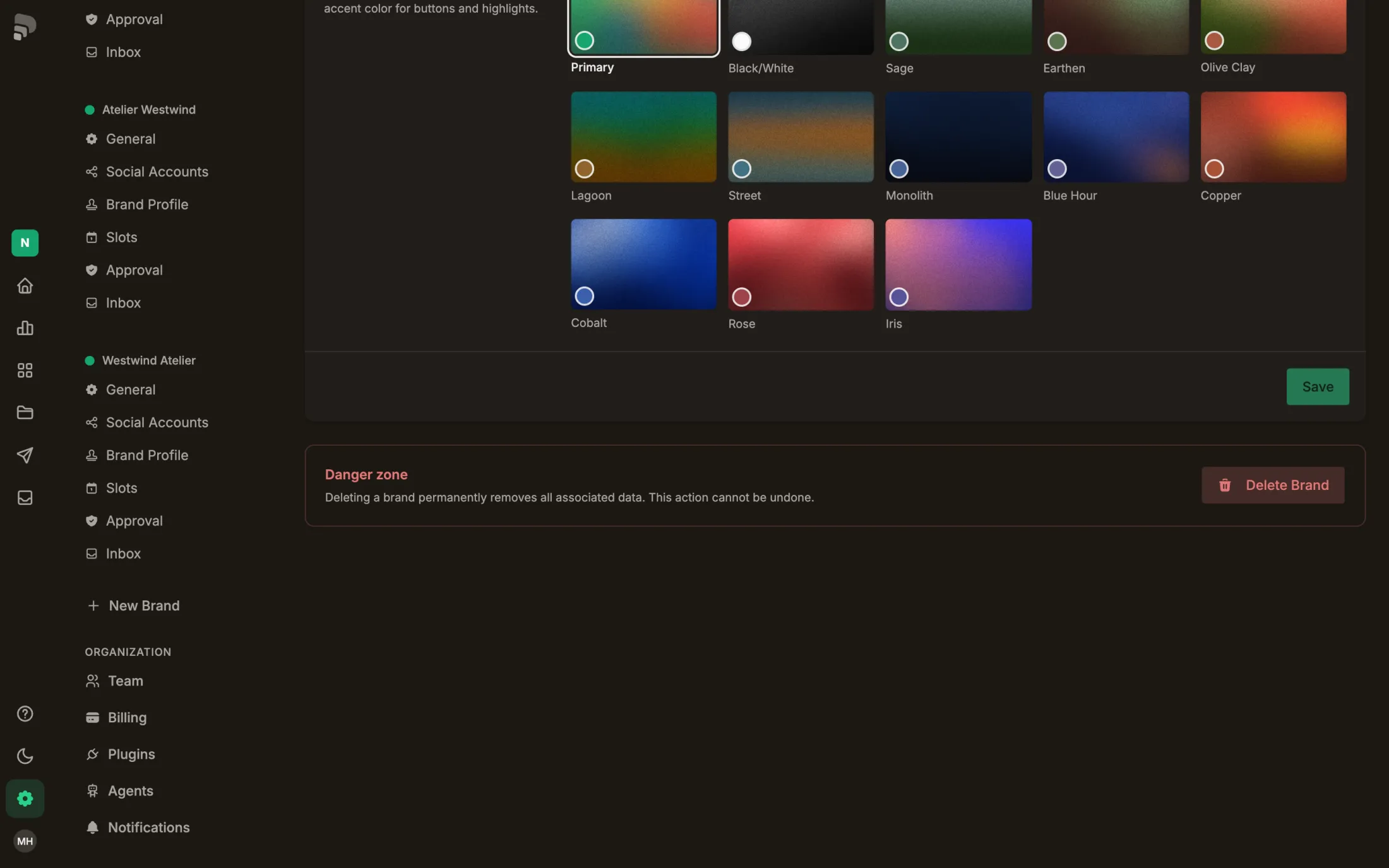
Each brand (in the app: “Brand”) has its own settings for channels, profile, posting slots and approval. Below them you manage your team and your plan.

Your account

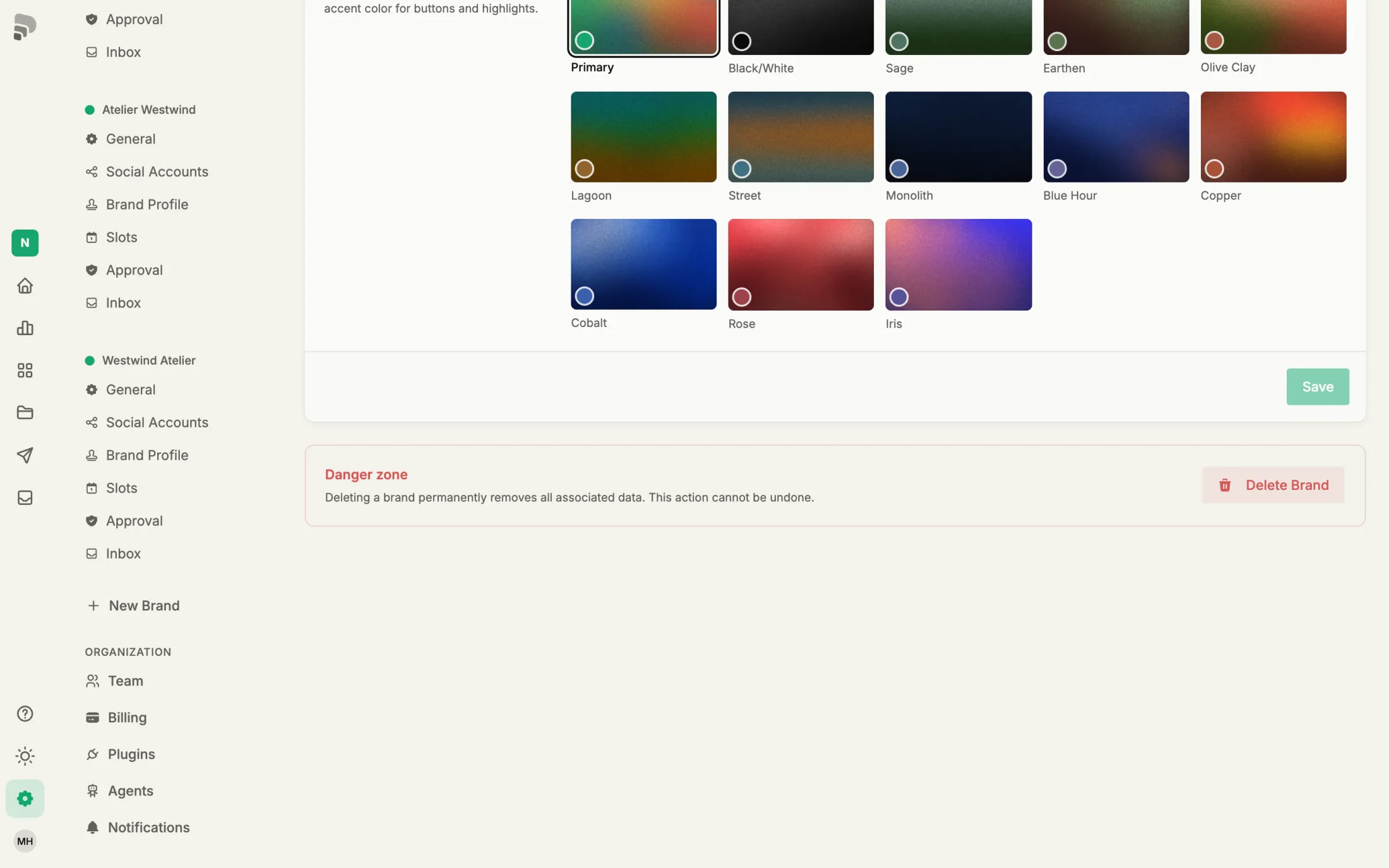
How to get there: Scroll down to the end of the list.
  1. 1

    New brand

    Create another brand in your account. How many you can have depends on your plan.

  2. 2

    Team

    Invite people and decide what they may do in which brand.

  3. 3

    Billing

    Your plan and invoices. Only the account owner sees this page.

Was this helpful?