Switch between brands
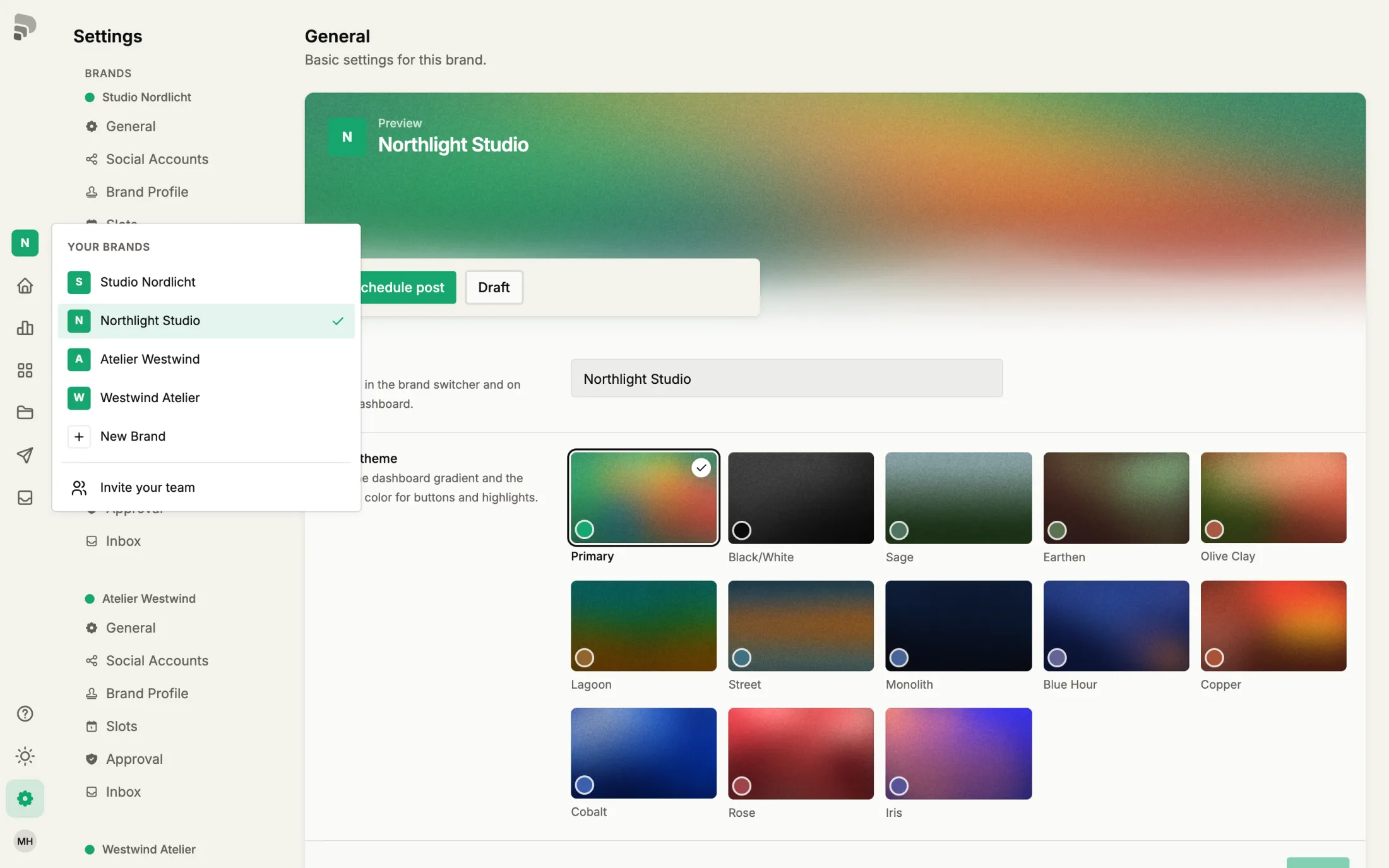
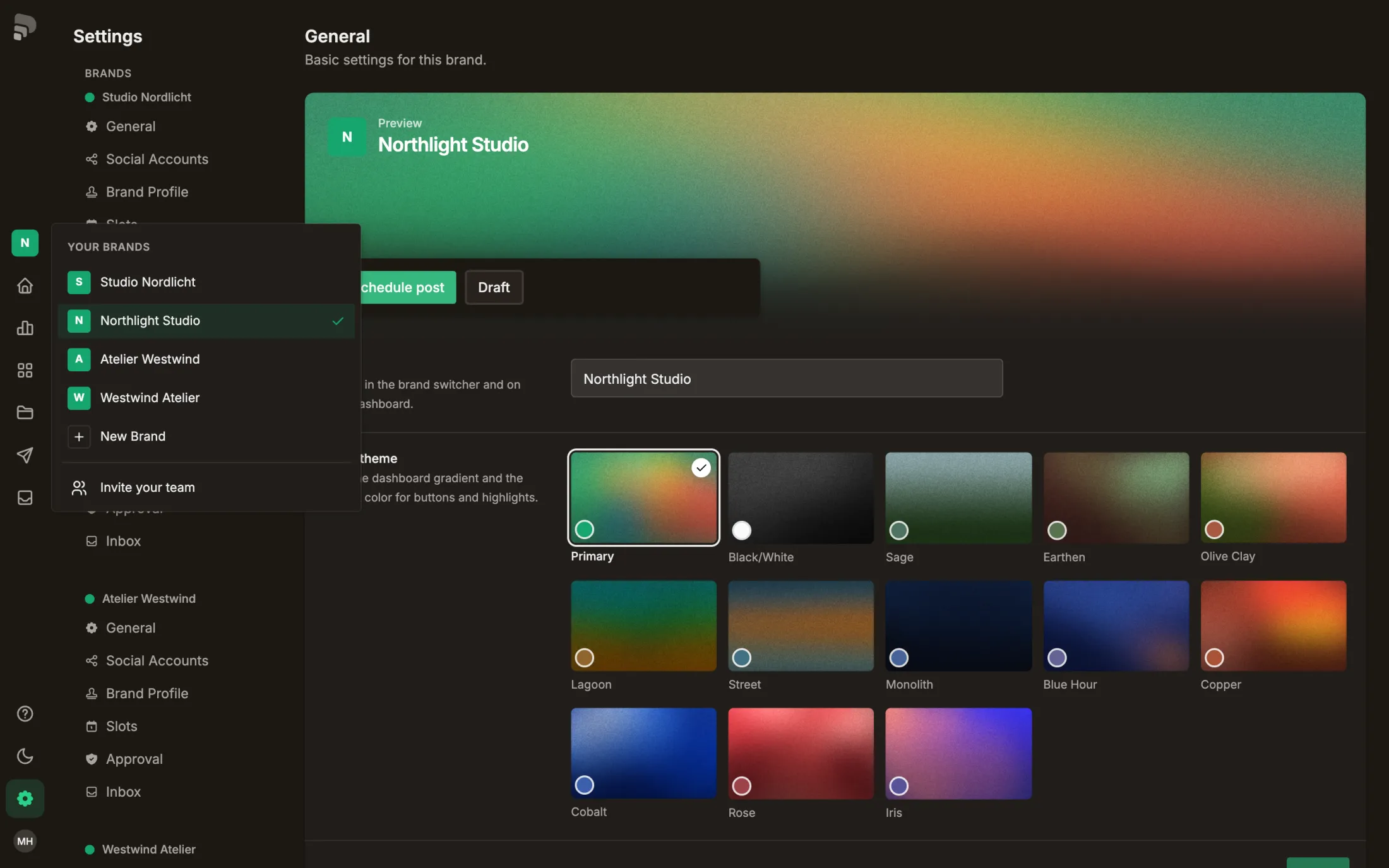
Media, posts, channels and calendar always belong to the active brand. You switch it at the top of the sidebar.
Step by step
- 1
- 2
Pick a brand
Choose the brand. If you also work in brands of another account, they are listed under that account’s name, with your role.
Was this helpful?