Your team at a glance
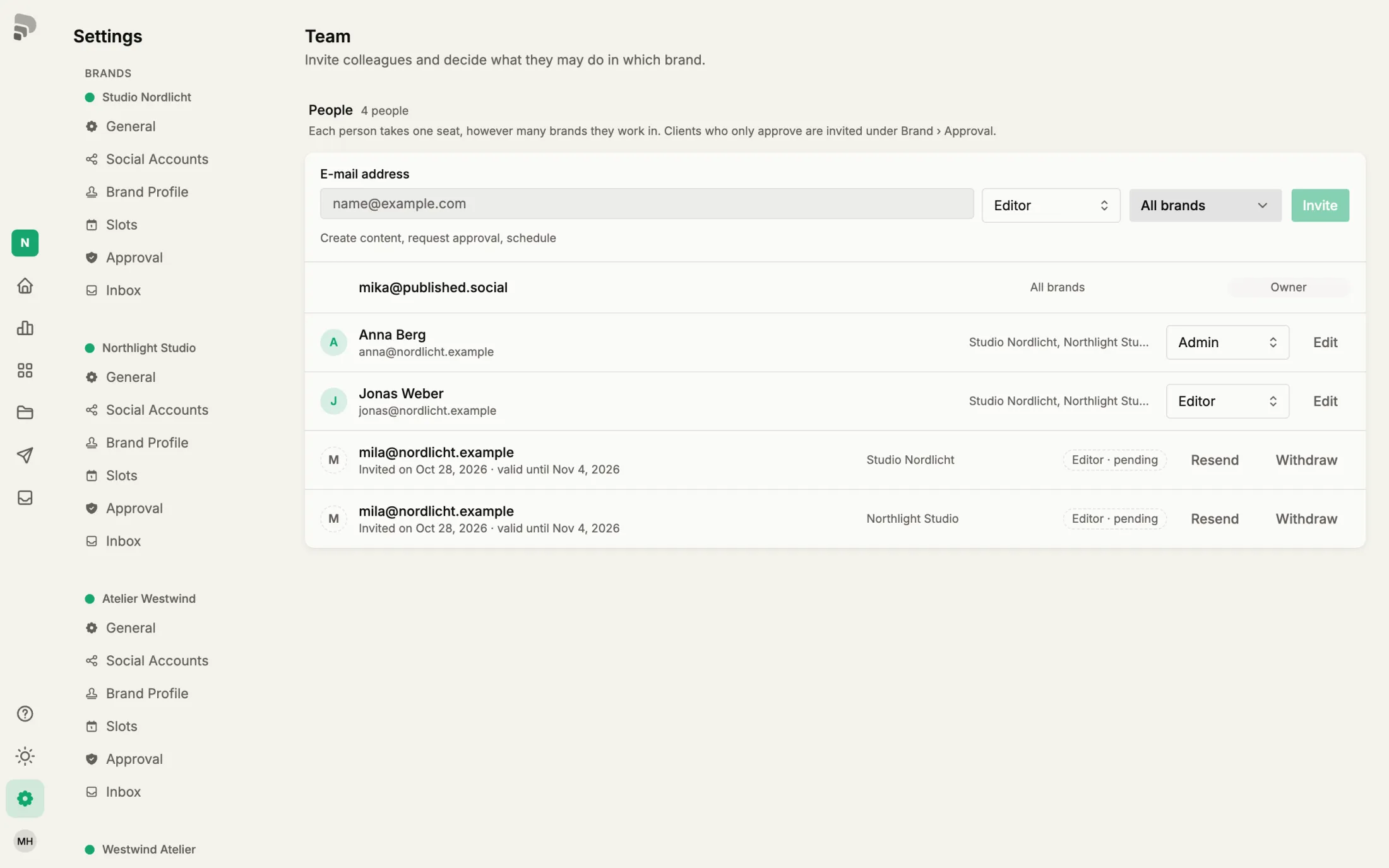
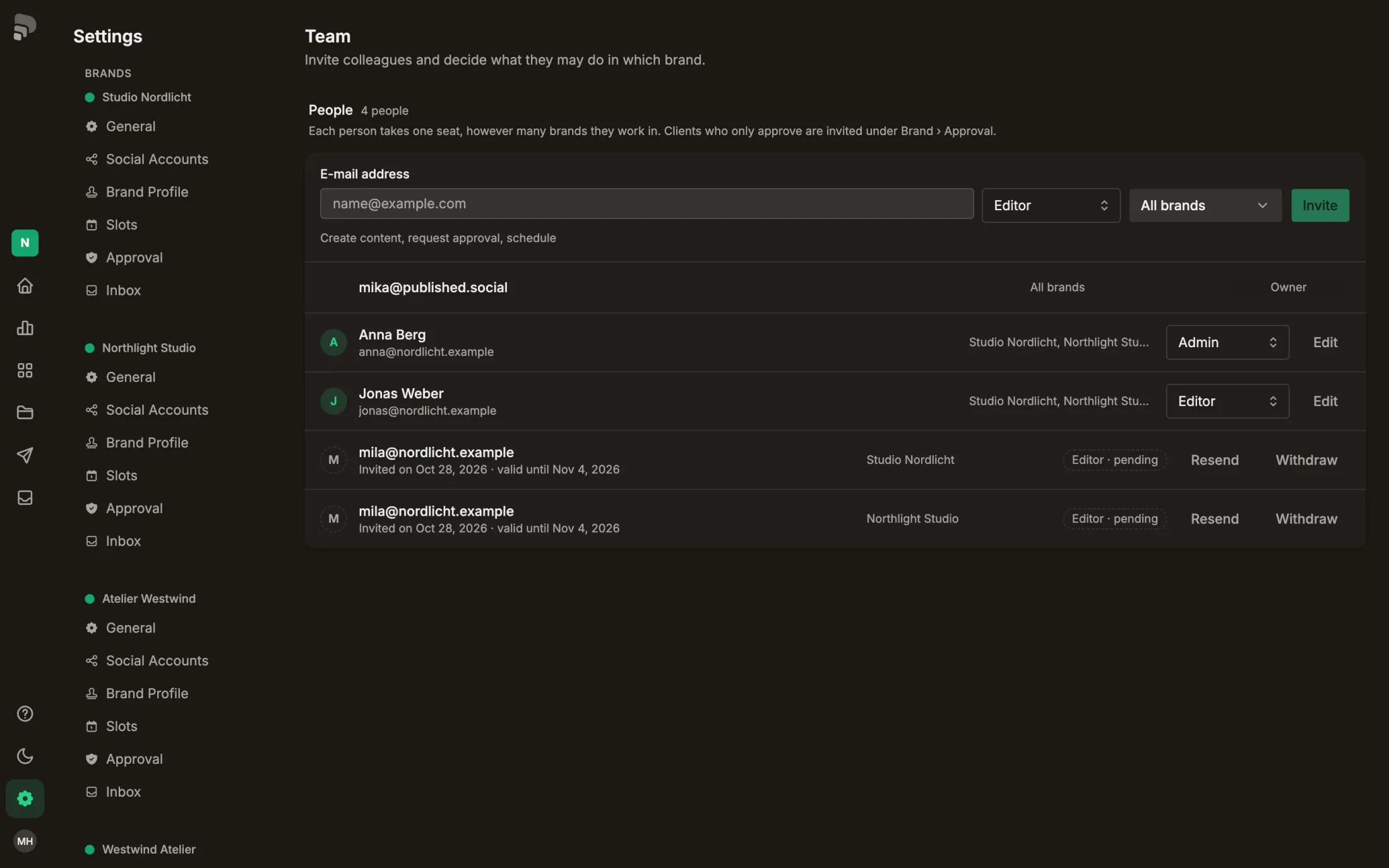
Under Settings › Team you see who works in your brands, with which role, and which invitations are still open.
Team
- 1
Seats
Each person takes one seat, no matter in how many brands they work. Your plan sets how many seats there are.
- 2
Invite
“Add team member” asks for e-mail address, role and brands, then the person gets an invitation by e-mail.
- 3
A person
Name, e-mail and role. If someone has different roles in different brands, it says “Mixed”. “Edit” opens the roles per brand.
RoleRoleWhat a person may do in a brand, for example admin or editor. One person can have a different role in each brand.In the glossary →
- 4
Open invitation
Invitations are valid for seven days. You can send them again or withdraw them.
Was this helpful?